Overview of Hardware Configuration Editor
To open the Hardware Configuration Editor, in the Database Manager click  , press Ctrl+F3, or select Device > Configure Hardware.
In the Hardware Configuration Editor (HWC), you can declare, configure, and manage the hardware (control devices and measurement devices) used in INCA.
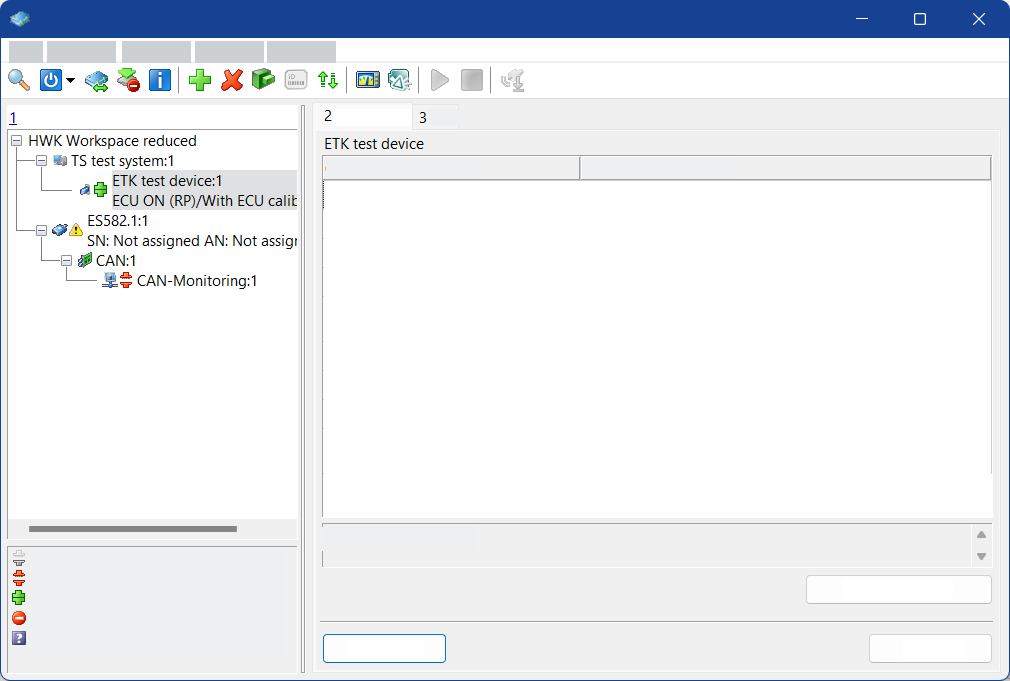
A hardware configuration includes the settings of the devices used. You can work with different hardware configurations and switch between different real usage conditions.
INCA supports a large number of hardware devices for diverse measuring and calibration tasks. These can be configured in the Hardware Configuration Editor: you can indicate the hardware and the interfaces through which the devices are connected to the PC. You can also specify which measured signals and calibration parameters are acquired through each input. For the control unit interfaces, you can specify the desired project and the working and reference datasets.
The information entered describes the hardware equipment and is stored in the selected workspace as the hardware configuration.
See also
Hardware Configuration Editor - Instructions Overview
Hardware Configuration Editor - Reference to User Interface
You can
Selecting Another Working Dataset for a Control Device