Creating a Map/Curve
-
Select Parameter/Model → New.
Or - for formula constraints -
-
Click on the New button below the "Parameters" list.
The
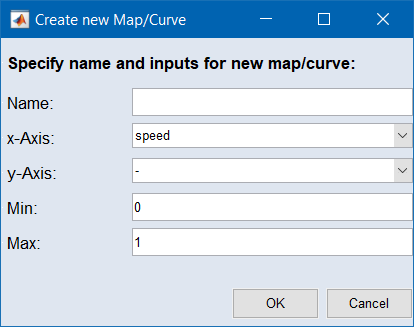
 "Create new Map/Curve" window opens.
 -
In that window, do one or more of the following:
-
Enter a name.
-
Select the input(s) at which the map/curve is defined.
-
Enter an upper and a lower limit.
-
-
Click on OK.
The map or curve is created and - for formula constraints - added to the "Parameters" list.
See also