Removing an Element
- In the drawing area, select the element you want to remove.
Do one of the following:
- Press <Delete>.
- Open the context menu and select Delete.
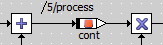
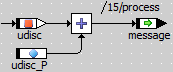
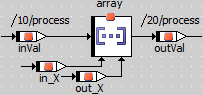
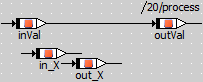
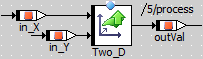
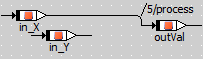
If the element is connected to other elements, you are asked if you want to keep the connection line.
- If you do not want to be asked each time you delete a connected element, activate the Don't show this hint again option.
Do one of the following:
- Click Yes to remove the element and keep the connection.
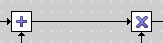
- Click No to remove the element and the connection.
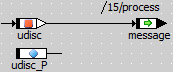
The selected element is removed from the block diagram (but not from the component). If you clicked Yes, existing connections are kept or removed,
 depending on the removed element.
See also
Renaming or Deleting an Element (BDE)