Changing Variable Values in the Calibration Data Manager
To change variable values of source dataset:
In the Comparison source field, select the source dataset.
In the Variables to Process table, select a variable.
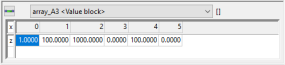
In the Inline Editor, double-click in a variable value cell and enter a new variable value.
To change variable values of destination datasets:
Make sure that the multi column view is activated. If not, click View > Switch view.
In the multi column view, double-click in any variable value comparison cell.
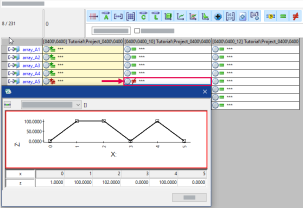
The Grid Editor opens.
Note
The display of the Grid Editor depends on the selected variable type.
In the Grid Editor, double-click in a variable value cell and enter a new variable value.
See also