Displaying the Raster of a Measurement Array
To display a raster of a measurement array:
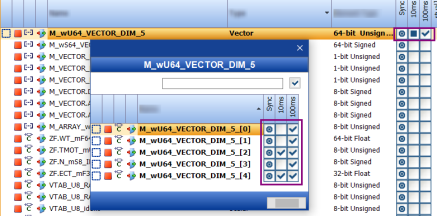
In the Variables Tab, double-click a measurement array (Type Vector).
The Measure Array Selection dialog box opens. It displays the detailed raster selection of an array.
See also
Allocating Variables to a Raster
Showing Measure Variables in a Raster
Troubleshooting: Maximum Filling Level of the Raster Is Reached