Solution: Fix the cabling
It is likely that there is a problem in the cabling.
To solve the problem:
Recheck the cabling:
- Are all cables connected properly (device, switch (if used) and PC)?
Are all cables free from defects?
If in doubt, replace the cables by other ones of the same type.
Are the correct cable types used?
See the devices' user's guides or the ETAS web pages for details on the required cable types.
Note
If you are using cables from 3rd party manufacturers, replace them with the original cables provided by ETAS!
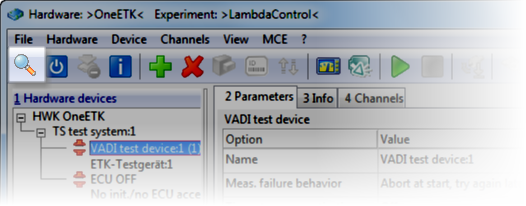
Do another search for hardware (e.g. by opening the Hardware Configuration Editor and clicking in the toolbar).
Is the problem solved?