Solution: Connect the device directly to the PC
It is likely that either the switch or connecting cable is defective, or that the cable is not properly connected.
To solve the problem:
- Connect the device directly to the PC (without the switch).
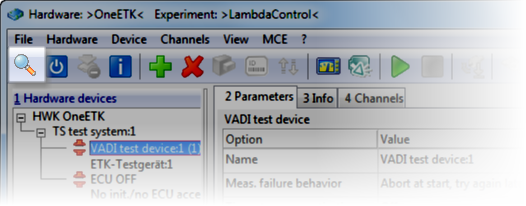
Do another search for hardware (e.g. by opening the Hardware Configuration Editor and clicking in the toolbar).
Is the problem solved?