Solution: Install hardware add-on
Apparently, the required INCA hardware add-on is not installed on your computer.
To solve the problem:
Check if the add-on is licensed correctly:
- In the INCA Database Manager, select ETAS License Manager in the Utilities menu.
- Check if a valid entry is listed. For more information about license management, see the help of the ETAS License Manager.
Check if the add-on is installed:
- In the INCA Database Manager, select in the ? menu the entry Loaded packages.
- Check if the package entries with the name of the add-on are included.
If the add-on is not listed, close INCA and install the required INCA hardware add-on.
 Examples of hardware requiring a separate add-on installation
Add-on
Modules
Drive Recorder
ES720/ES820 Drive Recorder
Vector-Hardware
Vector hardware
- Restart INCA.
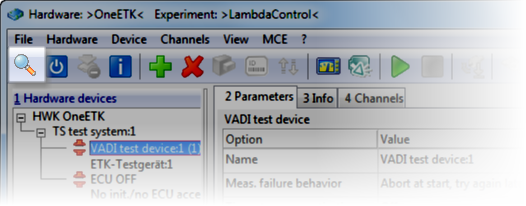
Do another search for hardware (e.g. by opening the Hardware Configuration Editor and clicking in the toolbar).
Is the problem solved?