Phasor Diagram - Drag & Drop (SP2)
You can assign signals to the Phasor Diagram via drag and drop.
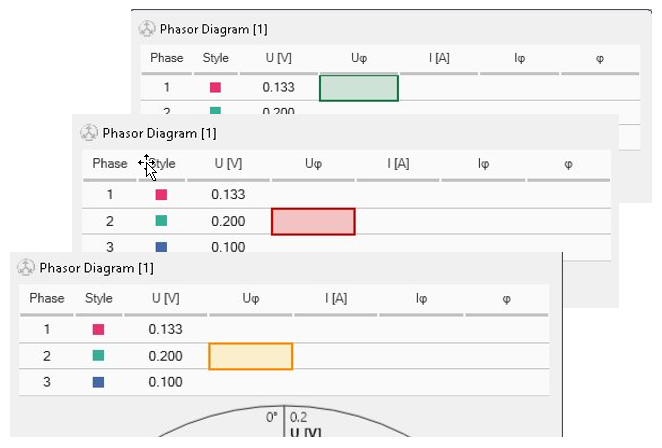
Visual guidance
 Target: The column from the hover point and below is assigned.
 Allowed: The entire drop path is clear.
 Blocked: A cell in the path is occupied.
 Warning: The assignment is allowed, but there is already a signal in the instrument.
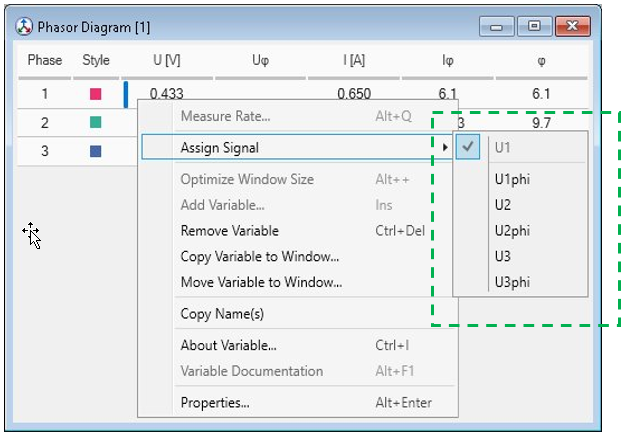
Guided context menu
Right-click a cell to see a clean list of available signals.
The menu shows only unassigned signals and grays signals out that are not available any more.
Conflict auto-resolve
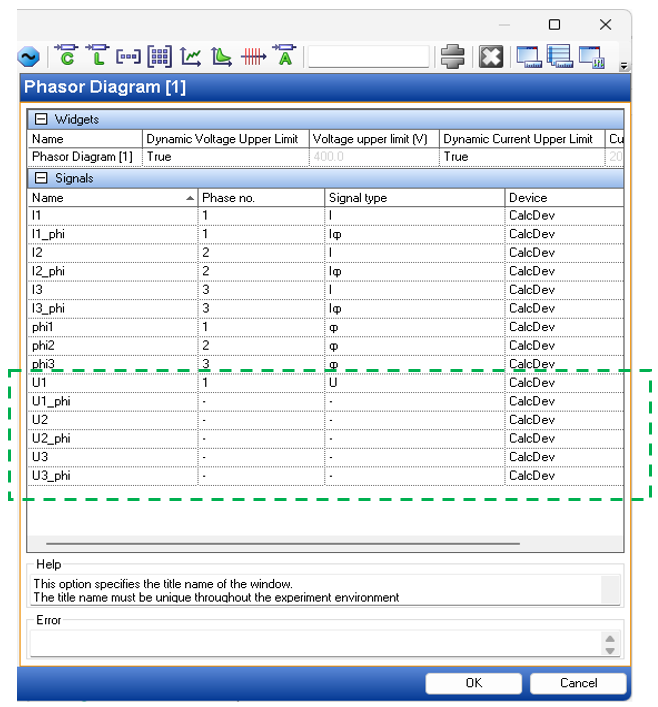
Prevents duplicate assignments across VSD.
Instantly resets conflicting attributes to "-".
See also
Back to