Main window
-
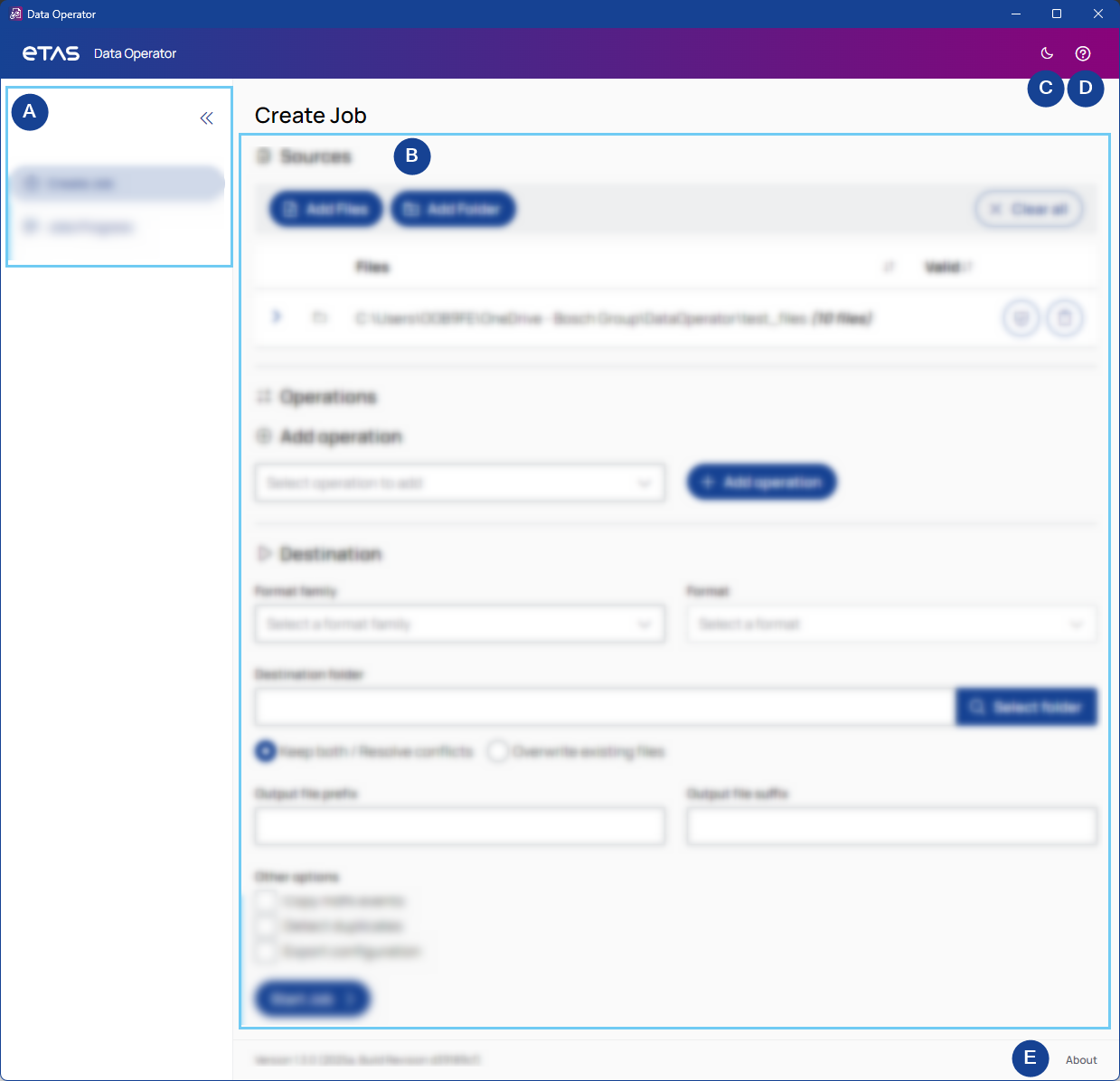
Navigation sidebar
Use the navigation sidebar to switch between the Create job, Jobs progress, and Edit meta data pages.
To expand or collapse the sidebar, click the arrows in the top-right corner.
-
Content
Displays the main content, depending on the selected view.
-
Dark/Light mode
To toggle between light and dark mode, click the sun/moon in the top right corner.
-
Help
Opens the PDF User Guide.
-
About
Shows the meta data of the app.