Deleting Maps/Curves
Proceed as follows to delete a map/curve.
-
Select Parameter/Model → Delete.
Or - for formula constraints -
-
Click on the Delete button below the "Parameters" list.
The
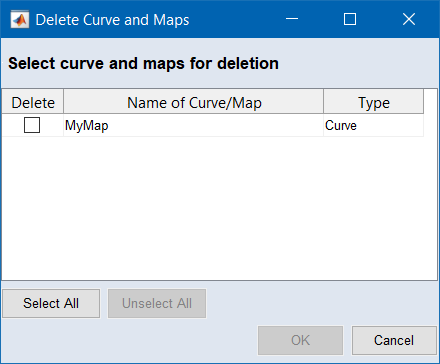
 "Delete Curves and Maps" window opens. It lists all maps/curves in the project.
 -
Activate the option in the "Delete" column for each map/curve you want to delete.
-
Click on Delete.
A safety inquiry opens.
-
Click on Yes to continue.
The selected maps/curves are deleted from the project.
See also