Step 8: Export
In this step, the properties of the project and the experiment plan itself are displayed which can be exported to a file at this point.
In addition, the data can be displayed here as plots.
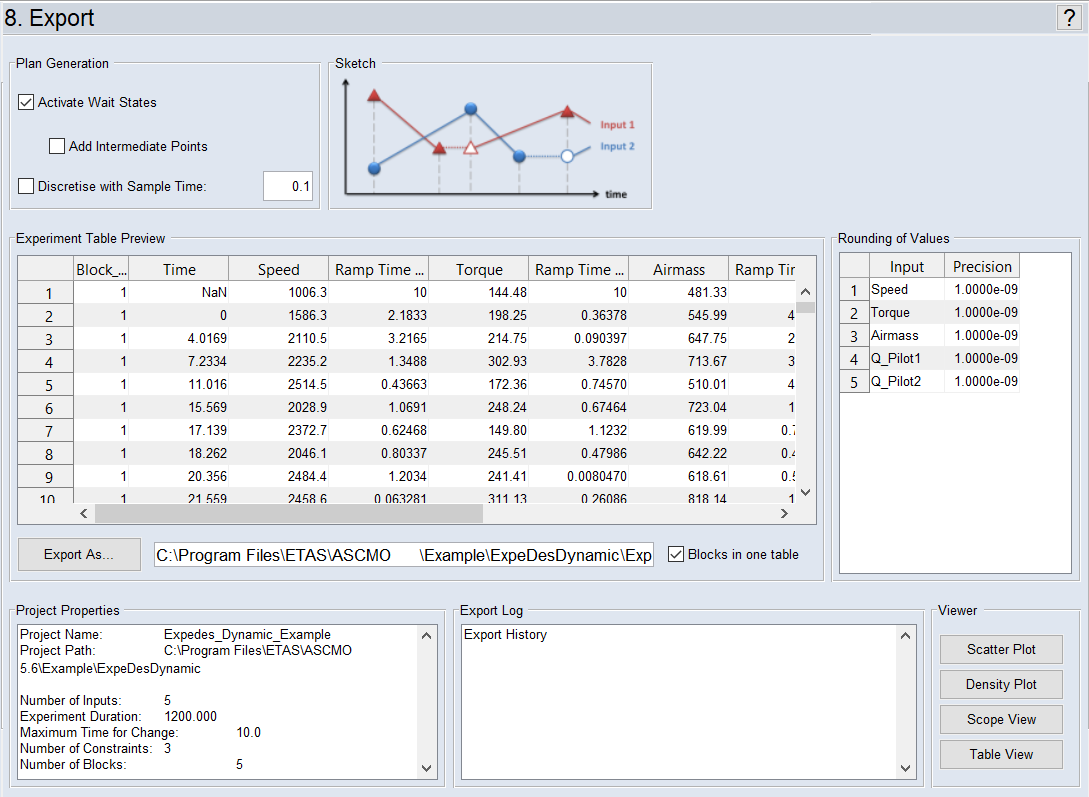
"Plan Generation" Area
Here you can define which values are to be included in the export table of the experimental design.
Plan Generation – Type 1
The Activate Wait States option is enabled in the "Plan Generation" area. Add Intermediate Points is disabled.
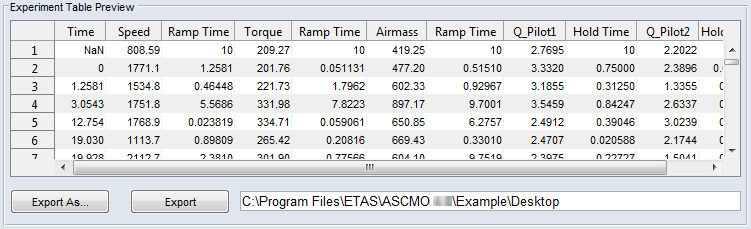
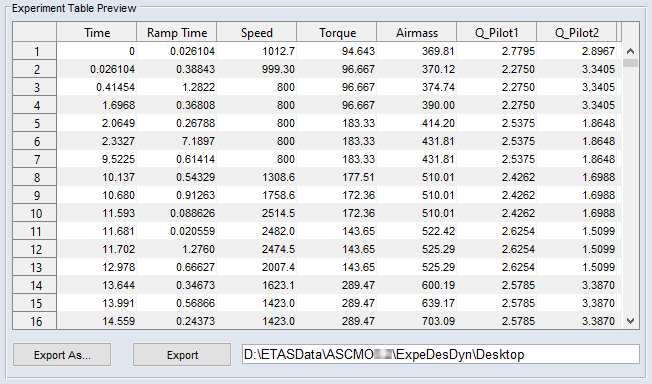
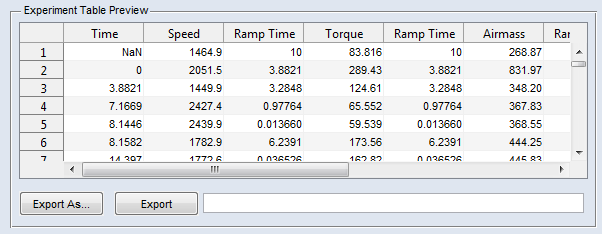
The target parameters for the engine dynamometer are already specified. The absolute time ("Time") until all parameters in a line have been processed by the test rig, and the length of time the test needed to achieve a given parameter ("Ramp Time") are indicated in the export table. The "Ramp Time" is dependent on the gradient. The "Hold Time" column shows how long all parameters wait for that parameter that required most of the time, until it has reached the predetermined value.
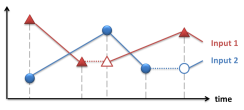
Plan Generation – Type 2
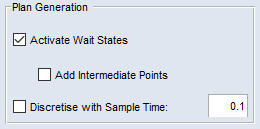
The options Activate Wait States and Add Intermediate Points are enabled in the "Plan Generation" area.
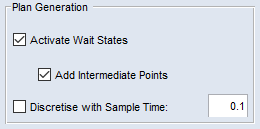
Similar to Type 1, but intermediate points are added to the table.
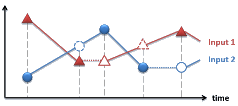
Plan Generation – Type 3
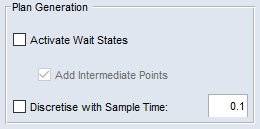
The Discretise with Sample Time option is enabled in the "Plan Generation" area. Add Intermediate Points is enabled and set to read-only.
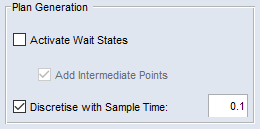
All output values are dependent on the information in the "sample time"field. The sample time defines the time delay until a new measurement point for all inputs will be detected. In this connection it does not matter if an input parameter has been reached by the engine dynamometer.
|
Note |
|---|
|
The sample time can only be defined if you have activated Discretise with Sample Time. The sample time should not be higher than the information in the "Maximum Time for Change" field. |
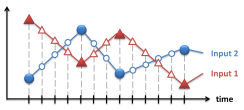
Plan Generation – Typ 4
The options Discretise with Sample Time and Activate Wait States are enabled in the "Plan Generation" area. Add Intermediate Points is enabled and set to read-only.
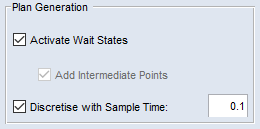
This export format is similar to Type 1, but the path will be recalculated depending on the sample time.
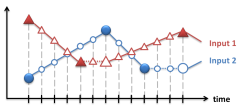
Plan Generation – Typ 5
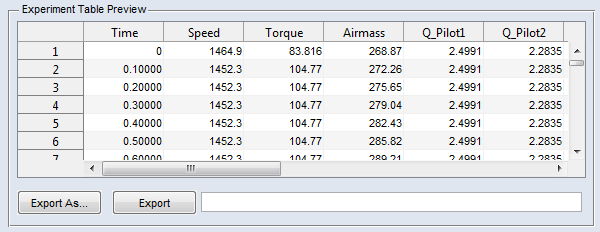
The options Discretise with Sample Time and Activate Wait States are disabled in the "Plan Generation" area. Add Intermediate Points is enabled and set to read-only.
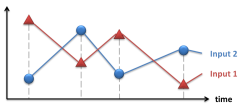
When an input has reached the predetermined target value, the present value of the other inputs will be detected.
"Experiment Table Preview" Area
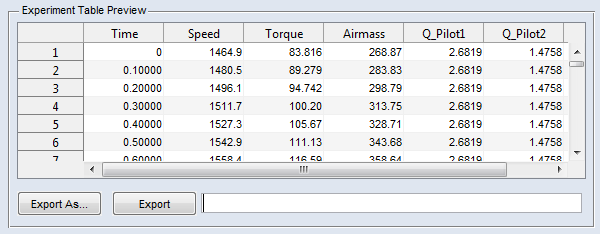
The experimental design is displayed here in part as it as been created by ASCMO-DYNAMIC ExpeDes according to the settings that were performed in preceding steps. In this area, you can also export (Export) the experimental design.
"Rounding of Values" Area
"Precision" specifies the precision with which the relevant value can be set with the system to be measured (e.g. the speed at an engine test bench).
"Viewer" Area
This area provides access to functions for the graphical and tabular representation of the experiment plan which can also be called up from the main menu of ASCMO-DYNAMIC ExpeDes:
- Scatter Plot (View → Scatter Plot)
- Density Plot (View → Density Plot)
- Scope View (View → Scope View)
- Table View (View → Table View)
"Project Properties" and "Export Log" Areas
In the "Project Properties" area, the properties of the project and the experiment plan are displayed. In the "Export Log" area, the export history is displayed.
Exporting the Plan
The plan can be exported with Export (or Export As). The export is carried out as an Excel file (*.xls, *.xlsx) or a CSV file (*.csv) whose name can be selected during the initial export.
See also the tutorial in the Help (Step 8: Export).