Converting a Method or Process
Note |
|---|
Keep in mind the conversion restrictions. |
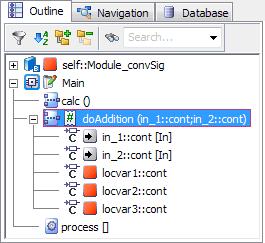
In the Outline tab, right-click the method or process you want to convert and select Convert Method to or Convert Process to from the context menu.
If sequence calls are linked to the method/process, you are asked if you convert the method/process anyhow.
Click OK continue.
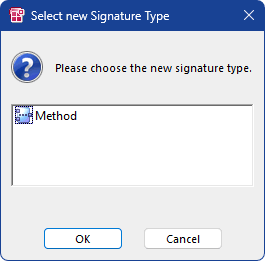
The Select new Signature Type window (
 example) opens. It lists the signature types to which the selected method/process can be converted.
 Select a signature type and click OK.
If any diagram contains unsaved changes, you are asked if you want to save the changes.
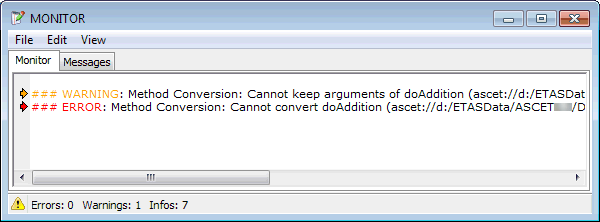
Proceed as follows.If you try to convert a method with argument(s) or a return value, the conversion fails because arguments and return values have no counterparts in a process. An error message window opens, and the reason for the failure (
example) is displayed in the ASCET monitor window. Nothing is converted in this case.
Note |
|---|
Some information of the original method/process may still be cached, which could lead to unexpected, but obsolete, code generation messages (e.g., "method xyz not used"). Therefore, two code generation runs might be required. |
See also
Conversion of Methods or Processes
Generating Code for a Component (block diagrams)