Reordering axes
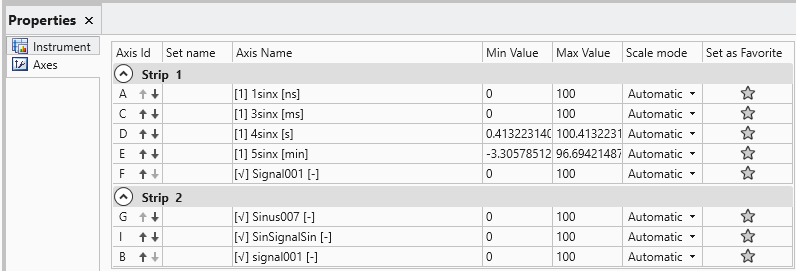
To reorder the axes in the Oscilloscope Properties, proceed as follows:
-
Open Oscilloscope Properties or click ALT+Enter.
- Select the tab Axes in the Oscilloscope Properties window and do one of the following:
To move an axis up, select the up button next to the axis ID.
To move an axis down, select the down button next to the axis ID.
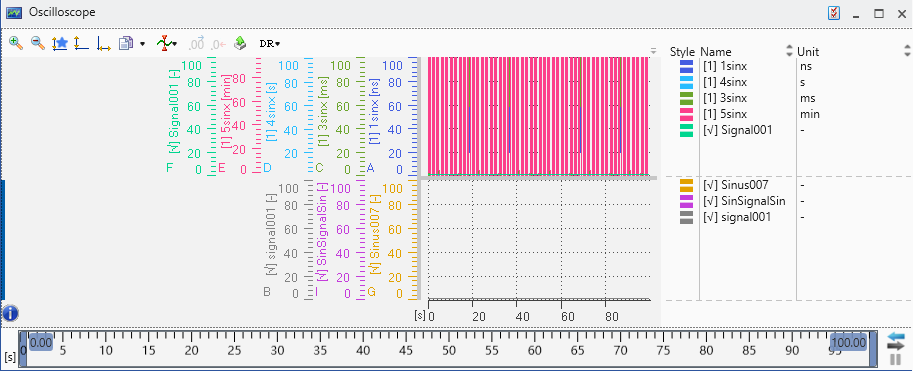
Moving an axis up in the Properties window moves it to the right in the graphical area.
Moving an axis down in the Properties window moves it to the left in the graphical area.