Using Strips
You can perform the following actions:
-
Click the strip.
A blue bar occurs on the left and right edge of the strip.
-
To move the selected strip, do one of the following:
-
To move the strip up, press Alt+Page Up.
To move the strip down, press Alt+Page Down.
or
-
Click one of those bars and pull it up or down to the desired position.
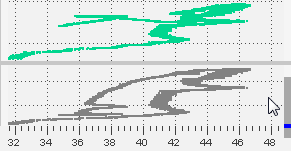
The new position of the floating strip is indicated by a small blue rectangle.
-
- Open the context menu of the strip that you want to delete.
- Select Delete strip.