View and Manage Activations
The view Activations and Entitlementswill give you an overview of all line items that still have copies left for activation.
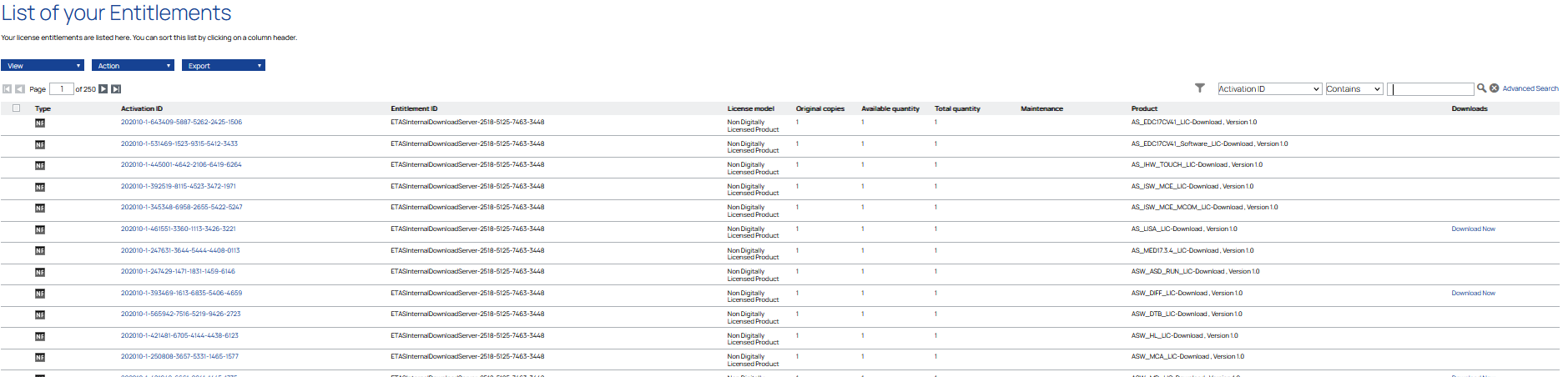
Under the drop-down List Entilements, you get a list with following details:
-
Type
-
Activation ID
-
Entitlement ID
-
Product
-
License model
-
Original copies
-
Available quantity
-
Total quantity
-
Maintenance
-
Downloads
More detailed information on a position can be displayed by clicking on any Activation ID.
|
Note |
|
This view will only show line items that can be activated!
|
If you want to see all activations go to Advanced Search and set parameter for remaining copies to any.