SSO via ETAS ID
To simplify your access to all ETAS services, the ETAS ID becomes your new, central login method. You need only a single account to access all ETAS websites and applications.
For new users
If you have not used an ETAS account before (e.g., for the FNO portal), you need to ask perform a one-time registration for your new ETAS ID.
For existing FNO users
If you already have an FNO account, a one-time migration of your account is required to ensure a seamless transition. This action is necessary to create your new ETAS ID.
|
Note |
|---|
|
During the migration process, you need to use the same email address that you previously used for the FNO portal. This is crucial for automatically linking your existing account and data to your new ETAS ID. |
-
Go to the login page.
There are two possibilities to login.
-
ETAS ID (External Users): This option is for all external users.
-
Login for Bosch Employees: This option is for all Bosch employees.
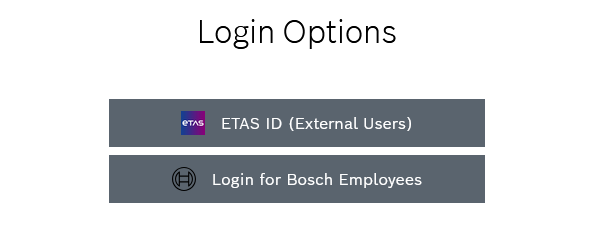
Login for external users
-
Click ETAS ID (External Users).
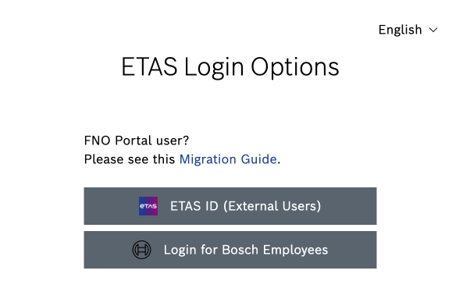
You are forwarded to the ETAS ID login form.
-
Click Register here.
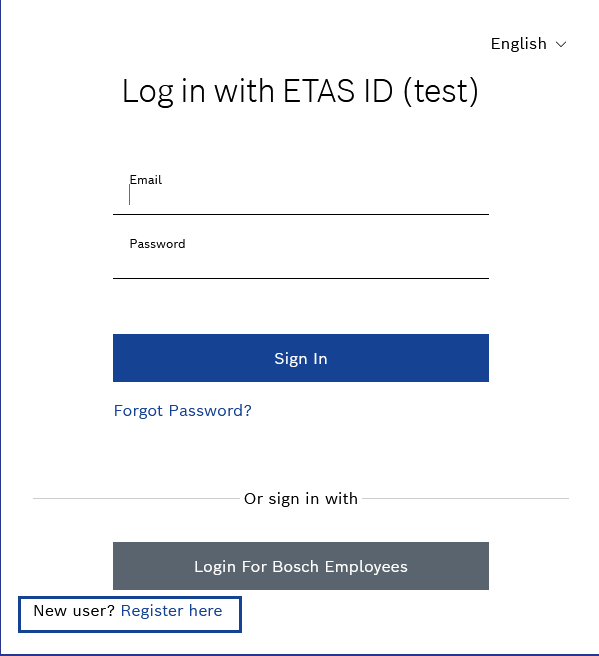
You are prompted to start a one-time account registration.
-
Fill in the required information.
-
Click Register here.
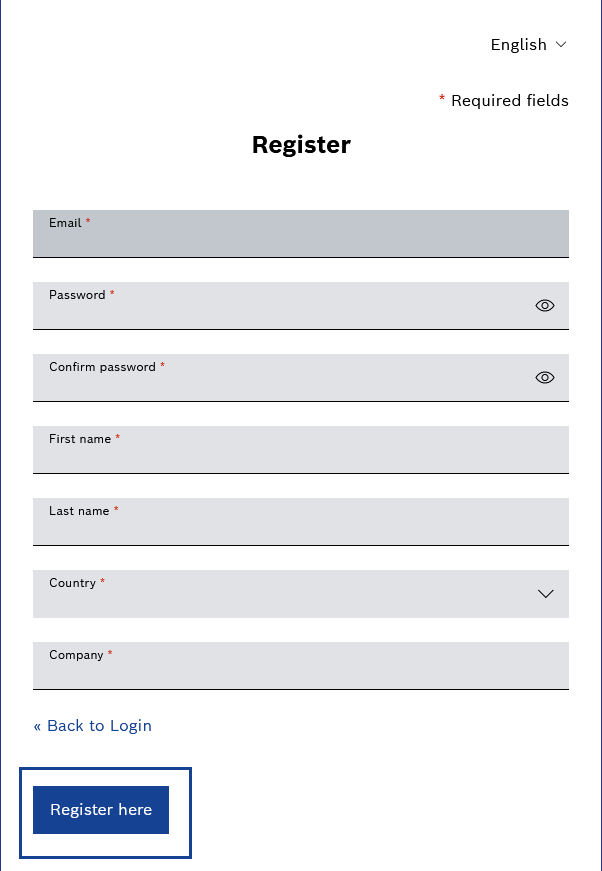
-
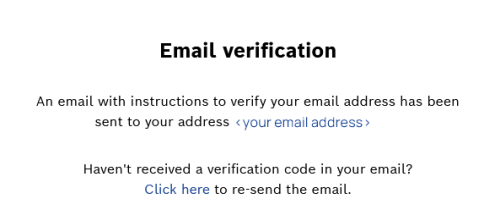
You receive an email with instructions to verify the email address.
-
Follow the steps described in the email.
Your email address is verified.
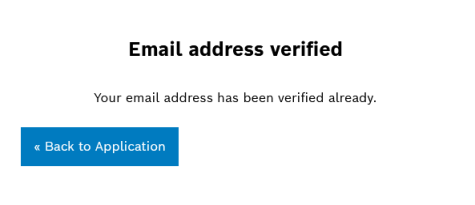
You are forwarded back to the ETAS License & Download Portal.
-
Login for Bosch employees
-
If you are a Bosch Employee, click Login for Bosch Employees.
You are forwarded to the ETAS License & Download Portal.
-
Optional: Select the language, you want to log in with.
-
Select Access to ETAS Downloadportal via your Email address.
-
Click Log in.
You are logged in to the License & Download Portal.
User account settings
You can change your password at any time through your account settings.
For any changes to your profile information, such as your name, you need to contact our support team for assistance. Self-service profile changes are not available at this time.