Overview of User Interface Developer
To open the User Interface Developer, in the INCA main window select Utilities > UI
developer or click
 .
.
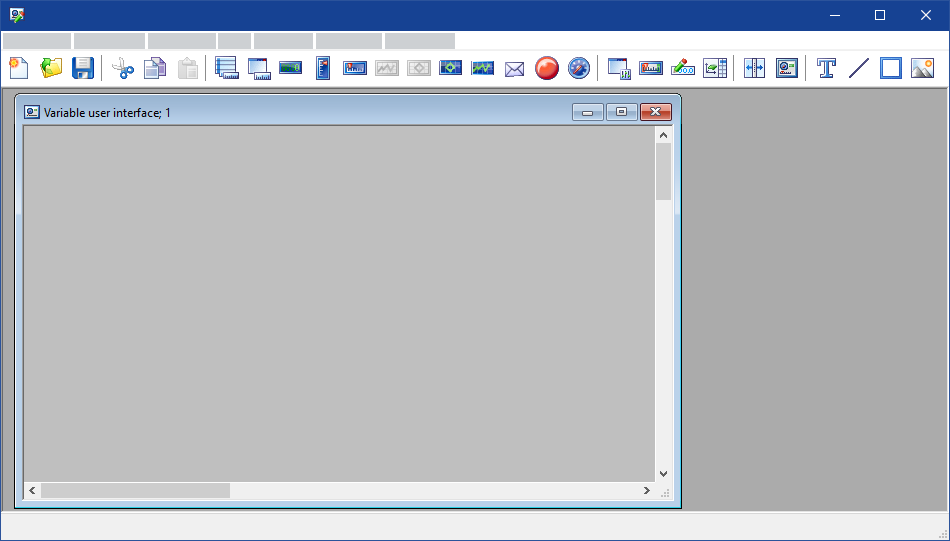
You use the User Interface Developer to create templates for variable user interfaces of the Experiment Environment.
Why to use the User Interface Developer?
In the Experiment Environment, the measure and calibration instruments are displayed in several subwindows. This can soon lead to a confused and confusing overall view, which is also prone to constant changes.
In the User Interface Developer, you can arrange measure and calibration instruments freely within one window. You can also insert graphic elements, text and pictures, and structure existing elements with the help of split bars. The templates you create for variable user interfaces can then be used in the Experiment Environment.
Note |
With INCA V7.1, a new oscilloscope technology has been introduced. Experiments, and consequently also variable user interfaces, support either the old or the new oscilloscope technology. It is not possible to have both old and new oscilloscopes within the same experiment and/or variable user interface. |
User Interface Design
To be able to use a variable user interface in the INCA Experiment Environment properly, you should design it according to a clear concept.
The following questions can help to develop a clear concept:
- What measure and calibration instruments are required?
- Can the elements be grouped meaningfully?
- How should such groups be separated graphically?
- How large should the variable user interface be?
- Do you need more than one variable user interface?
The answers to these questions will help you to make a rough hand-drawn sketch of the variable user interface.
You can
Start the User Interface Developer