Overview of Recorder Manager
To open the Recorder Manager from the Experiment Environment,
click on the  symbol or select in the Measurement
menu the command Open Recorder Manager (Ctrl + F11).
symbol or select in the Measurement
menu the command Open Recorder Manager (Ctrl + F11).
The Recorder Manager can be used to record any number of measurements.
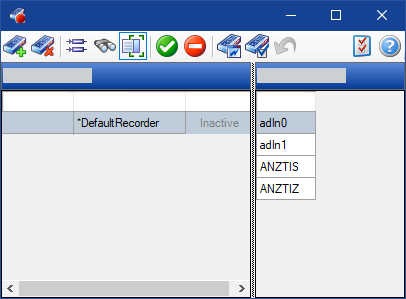
For any recorder, you can select a separate recording file name, a separate start and stop trigger, and the variables to be saved.
See also