Overview Trigger Editor
To open the Trigger Editor window, in the Experiment Environment click  > Triggers tab >Trigger on >
  .
.
Use the Trigger Editor to create, edit and manage trigger conditions.
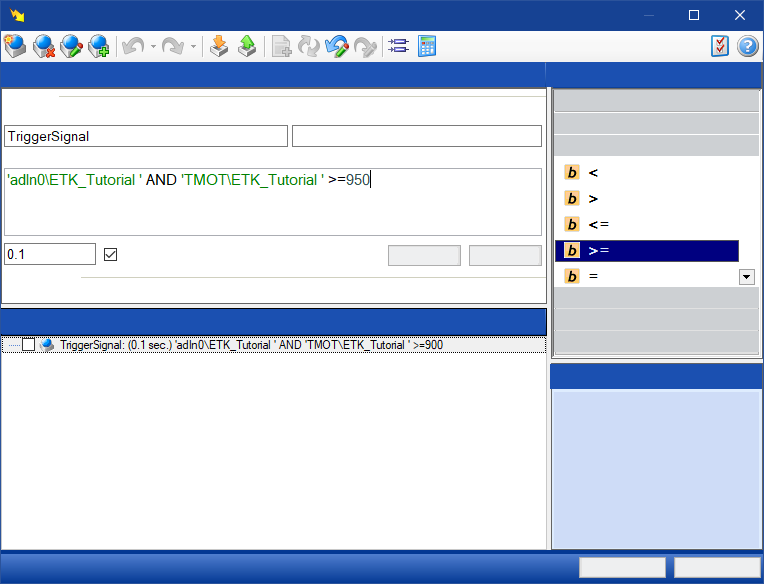
You can use trigger conditions to start or end measurements depending on defined events. Each of these trigger conditions can be defined as a start or stop criterion for a measurement. Created trigger conditions can be reused by exchanging them between miscellaneous experiments using an XML file.
See also
Importing and Exporting Trigger Conditions
Defining an Automatic Start Trigger
Defining a Manual Start Trigger
Defining an Automatic Stop Trigger
See video
Find more information in the following video which you can open from the Video Tutorials:
 INCA Recorder Manager: Setting Triggers in the INCA Recorder Configuration Dialog