Overview of Calculated Signals
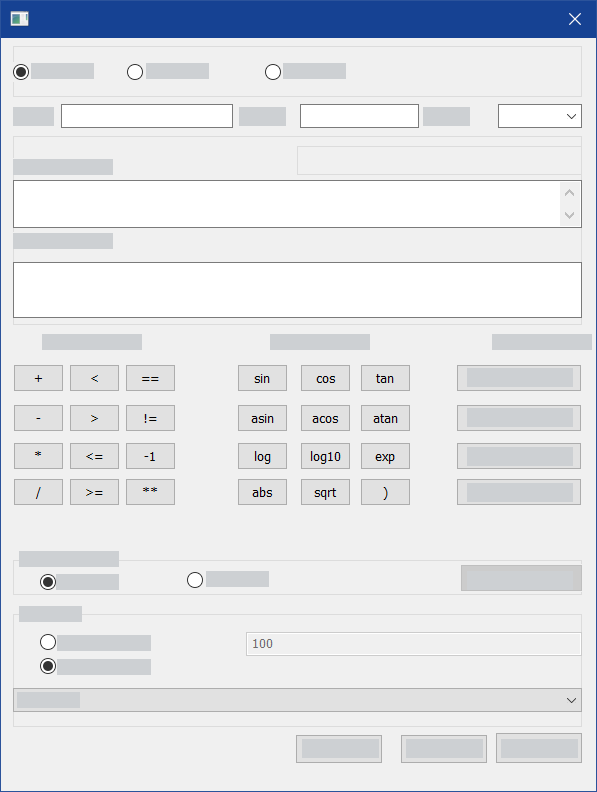
In the INCA Experiment Environment, you can mathematically link an existing measure signal with one or more other measure signals or constants. A new calculated signal results from this link. You can define the calculation formula for the signals yourself or you can use a predefined calculation formula. You can then select calculated signals like all other measure signals in the Variable Selection dialog box and assign them to measure windows.
The calculated signals are helpful in displaying and analyzing measure data, for example, for generating a difference signal or for making a direct comparison with specific measured values.
You can also create calculated signals by using array signals.
Calculated Signals  in the Experiment Environment
In the Experiment Environment you can define calculated signals for all devices that return a raster-based measure signal.
See also