Overview of Variable Selection Dialog
To open the Variable Selection Dialog, in the Experiment Environment  click
click  .
.
In the Variable Selection Dialog (VSD) you can select the variables you want to add to your application (Experiment, Calibration Data Manager or Measured Data Analysis).
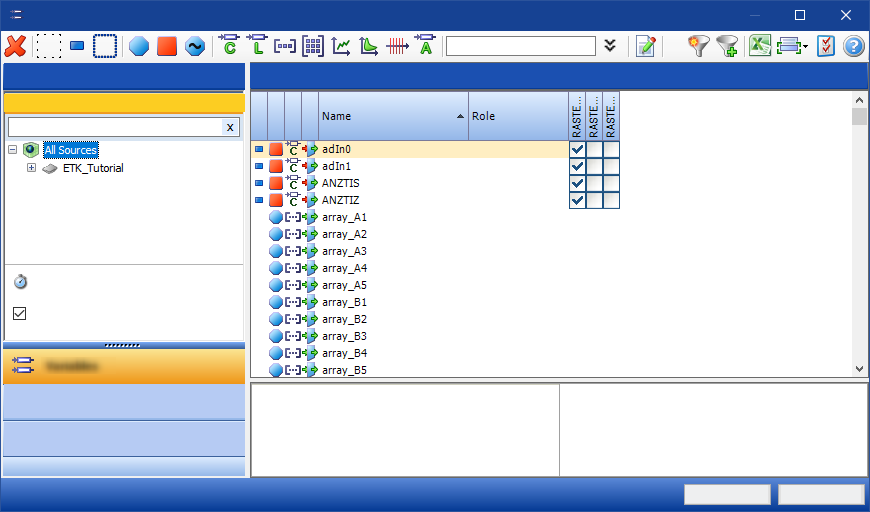
The functional scope of the Variable selection dialog can vary depending on environment and context. Hence the Calibration Data Manager (CDM), for instance, offers only the Variables tab, but not the tabs Variable Configuration and Display Configuration.
See video
The basic structure and use of the enhanced Variable Selection
dialog is also demonstrated in the following video, which you can open from the Video Tutorials:
 Introduction to the INCA Variable Selection Dialog
See also