Hardware may be defective - Contact the Support Team
The hardware may be defective.
To verify this:
- Replace the hardware by another hardware of the same or a similar type.
Do another search for hardware (e.g. by opening the Hardware Configuration Editor and clicking in the toolbar).
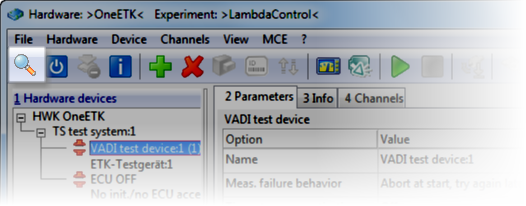
If this new hardware is found when searching for hardware, the hardware which was originally used is probably defective.
Please contact your ETAS support or 3rd party hardware manufacturer.
 Contact information
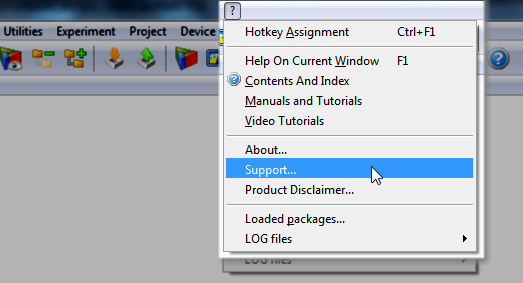
You will find the phone numbers and e-mail addresses of your INCA support
on the ETAS web pages:
via the INCA Help menu:
Feedback
We would appreciate it very much if you could send as any feedback which might help us to improve the troubleshooting procedure.