Solution: Reconnect device to PC
Apparently, there is a problem in the cabling.
To solve the problem:
Reconnect and check the cabling (both on the device and on the PC side).
Note
If you are using cables from 3rd party manufacturers, replace them with the original cables provided by ETAS!
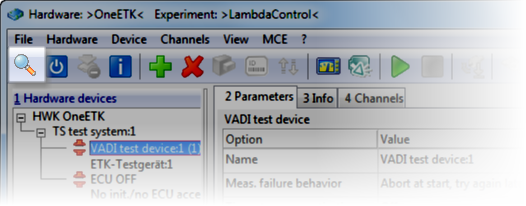
Do another search for hardware (e.g. by opening the Hardware Configuration Editor and clicking in the toolbar).
Is the power LED on now and is the problem solved?