Solution: Reinitialize the system
It is likely that there is an initialization problem, e.g. after connecting a different PC to the network.
To solve the problem:
Repower all devices in your hardware network:
- If the device does not have a power switch, remove the power cable and plug it in again.
- If the device is not connected directly to the PC, also repower the Ethernet switch.
- If you are using an XETK: bring the ECU into a safe state , then repower the XETK. If the XETK is powered by the ECU, you must also repower the ECU.
Wait till the IP Manager shows the following icon to indicate that the network is available:
 or
or 
Note
If you are using the same network card for both your company network and the ETAS network, it has to switch from DHCP to APIPA, e.g. when you open an experiment or search for hardware. The Windows operating system may need up to 2 minutes for this switching process; in this period, the ETAS network is not available.
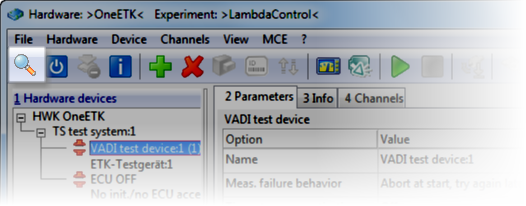
Do another search for hardware (e.g. by opening the Hardware Configuration Editor and clicking in the toolbar).
Is the problem solved?