Status indicator
The ES132.1 is equipped with LEDs for displaying the module's operating state, as well as for displaying the function of the two CAN connections CAN 1 and CAN 2.
CAN 1
|
LED code |
Display |
State |
|---|---|---|
|
|
Off |
Communication at the CAN1 interface interrupted |
|
|
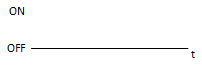
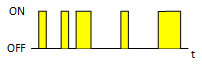
Flashing yellow |
Communication at the CAN1 interface |
BUSY
|
LED code |
Display |
State |
|---|---|---|
|
|
Off |
No synchronization |
|
|
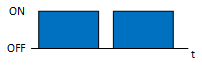
Flashing blue |
The module is synchronized |
ON
|
LED code |
Display |
State |
|---|---|---|
|
|
Off |
The module is switched off. |
|
|
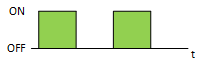
Flashing green |
The module is on standby. |
|
|
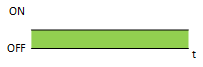
Lit green |
The module is switched on. |
ER
|
LED code |
Display |
State |
|---|---|---|
|
|
Off |
No error |
|
|
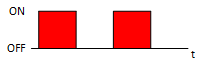
Flashing red |
Firmware update is being performed. Do not disconnect the power supply. |
|
|
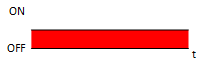
Lit red |
Boot process failed or software error. Restart the module. |
CAN 2
|
LED code |
Display |
State |
|---|---|---|
|
|
Off |
Communication at the CAN 2 interface interrupted |
|
|
Flashing yellow |
Communication at the CAN2 interface |