Creating a New ReportQuickly
-
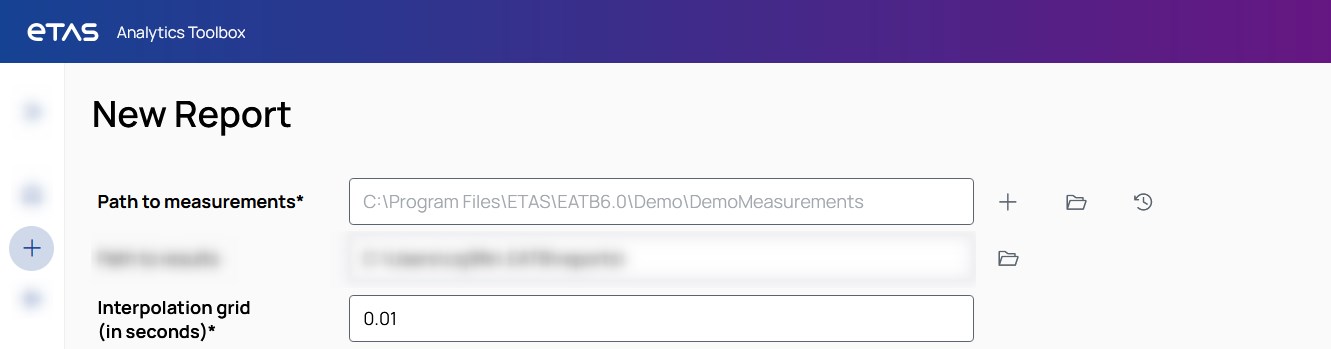
On the New Report tab, enter all mandatory information:
-
Path to measurements
Include a path to your measurements folder or to a specific measurement file. You can also click the + button to add more measurement paths.
-
Interpolation grid
Specify the interpolation grid that should be used during the calculation. EATB needs this information to synchronize signals from different channel groups. For more information, see Calculation Details.
The configuration that you created previously in the Configuration Creator is automatically displayed and selected. For more information about the optional data fields, see Creating a New Report.
-
-
To start the evaluation, click Create.
EATB automatically switches to Report Progress. All entries are validated. For more information, see Checking the Status of the Running Report.
Was the creation of your report successful? – Then, continue with Using the Report.