Adding Text Blocks
You can define text blocks and their positions in a chart.
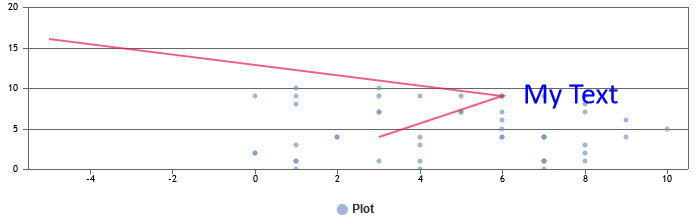
To add a text block
- Click TextBlocks.
- Set the values for X, Y, Size.
- Select a color.
- Type your text.
-
You can add another text block or delete a text block by clicking + or x.
- Click Save.