Adding Lines
User-defined lines can be added to a chart. Therefore, the coordinates for several points can be set. These points are connected by straight lines.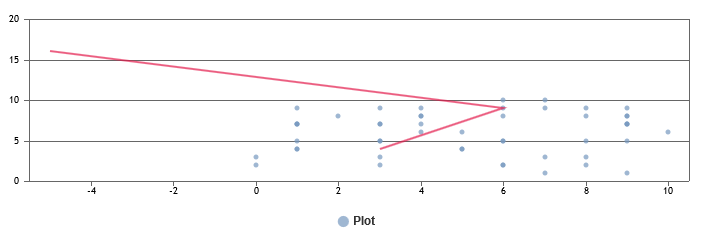
To add user-defined lines
-
Click Lines.
-
Click Edit points.
- To define the points that shall be connected, set the values for the coordinates. At least, two pairs of coordinates must be defined.
- You can add another pair of coordinates or delete a pair of coordinates by clicking + or x.
- Click Save.
-
Optionally, you can adjust the color of the line.
- To add more lines, click + and edit them.
- Click Save.