Operations
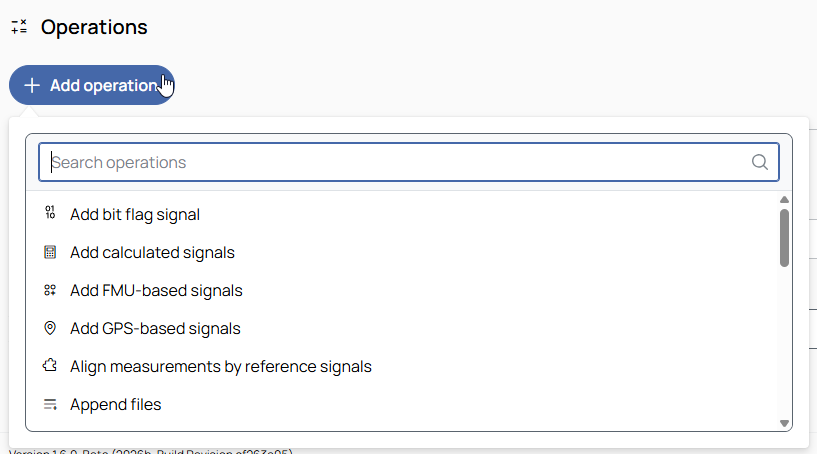

Click the Add operation button to open a searchable list of all available operations.
Search for or select a processing step (operation) in the list. The operation is added to the job immediately.

To remove the operation from the job, click the trash can button.

To move the operation up or down in the job sequence, use the arrow buttons next to the trash can icon.
Only available when more than one operation is added.
 /
/
To expand or collapse the operation, click the arrow in the top-right corner of the operation panel.
The following operations can be added to the job: