Change comment
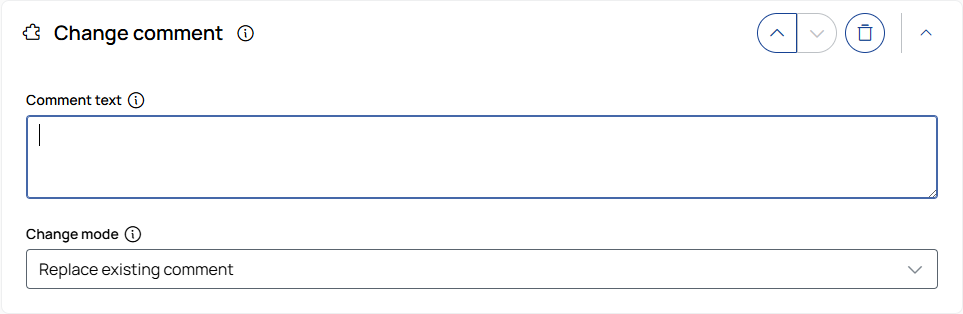
Changes the comment of measurement files by adding text before or after the existing comment or by replacing the existing comment.
|
Note |
|---|
|
The Change comment operation converts measurement files that are not in MF4 format to MF4. This is required because measurement file comments can only be set for MF4 files. |
Comment text
Defines the text to add to the existing comment or use as its replacement. Leave the field empty with Replace existing comment to remove the existing comment.
Change mode
Defines how the text is applied to the existing comment:
-
Insert before existing comment: Adds the text before the existing comment.
-
Replace existing comment: Replaces the existing comment with the entered text. If the Comment text field is empty, the existing comment is removed.
-
Insert after existing comment: Adds the text after the existing comment.