Execute Python script
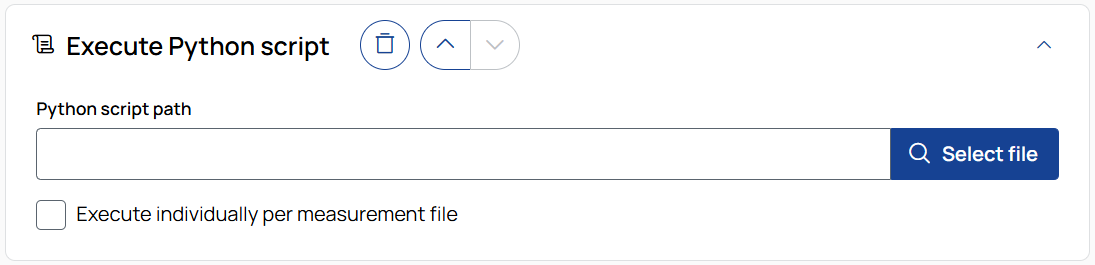
Executes a custom Python script to perform user-defined processing on measurement data.
Python script path
Enter or browse to the path of the Python script file you want to execute. See the example scripts in the installation folder for reference.
Execute individually per measurement file
Defines how the Python script is executed:
-
Enabled – The script runs once per measurement file, processing them in parallel. This is faster but cannot use data from other files.
-
Disabled – The script runs once for all files together, allowing operations that combine data from multiple measurement files. This mode is slower.
Note
Make sure the Python environment used by Data Operator includes all required dependencies for your script.
Refer to the Python scripting guide for available interfaces and best practices.

To remove the operation from the job, click the trash can button.

To move the operation up or down in the job sequence, use the arrow buttons next to the trash can icon.
 /
/
To expand or collapse the operation, click the arrow in the top-right corner of the operation panel.