Add calculated signal
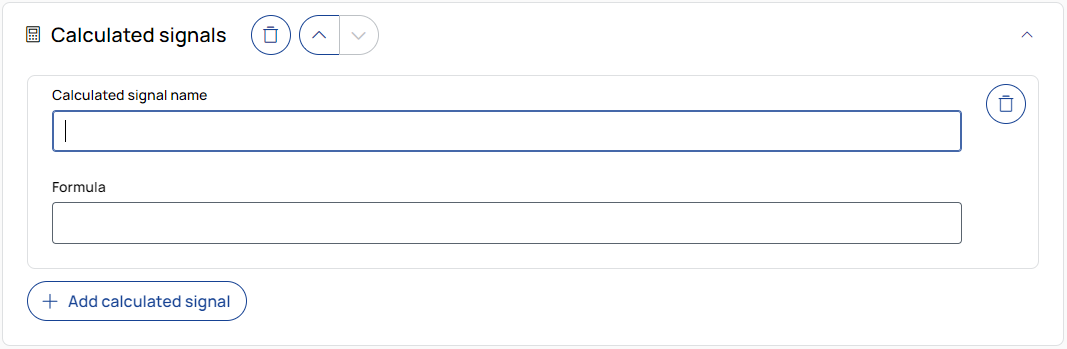
Adds a new calculated signal with its own formula and name.
Output signal name
Enter a name for the new signal that will be created.
Formula
Enter a formula using existing signal names. Only signals without a device name are supported.
The supported autocompletion is based on the signal sources defined in the Sources step.
Formulas use Python syntax, but with limited supported features. NumPy is available via np.
The result of the formula must have the same length as the input signals.
Modifying time or sampling rate is not supported.
Example: np.sqrt(signal_name)
|
Note |
|---|
|
Only the following Python keywords are supported: and, elif, else, if, in, is, not, or, return, time. Formulas are not validated during editing. Errors only appear during job execution. Signal names must be valid Python identifiers:
|

Adds a new calculated signal with its own formula definition.

To remove the operation from the job, click the trash can button.

To move the operation up or down in the job sequence, use the arrow buttons next to the trash can icon.
 /
/
To expand or collapse the operation, click the arrow in the top-right corner of the operation panel.