Main window
-
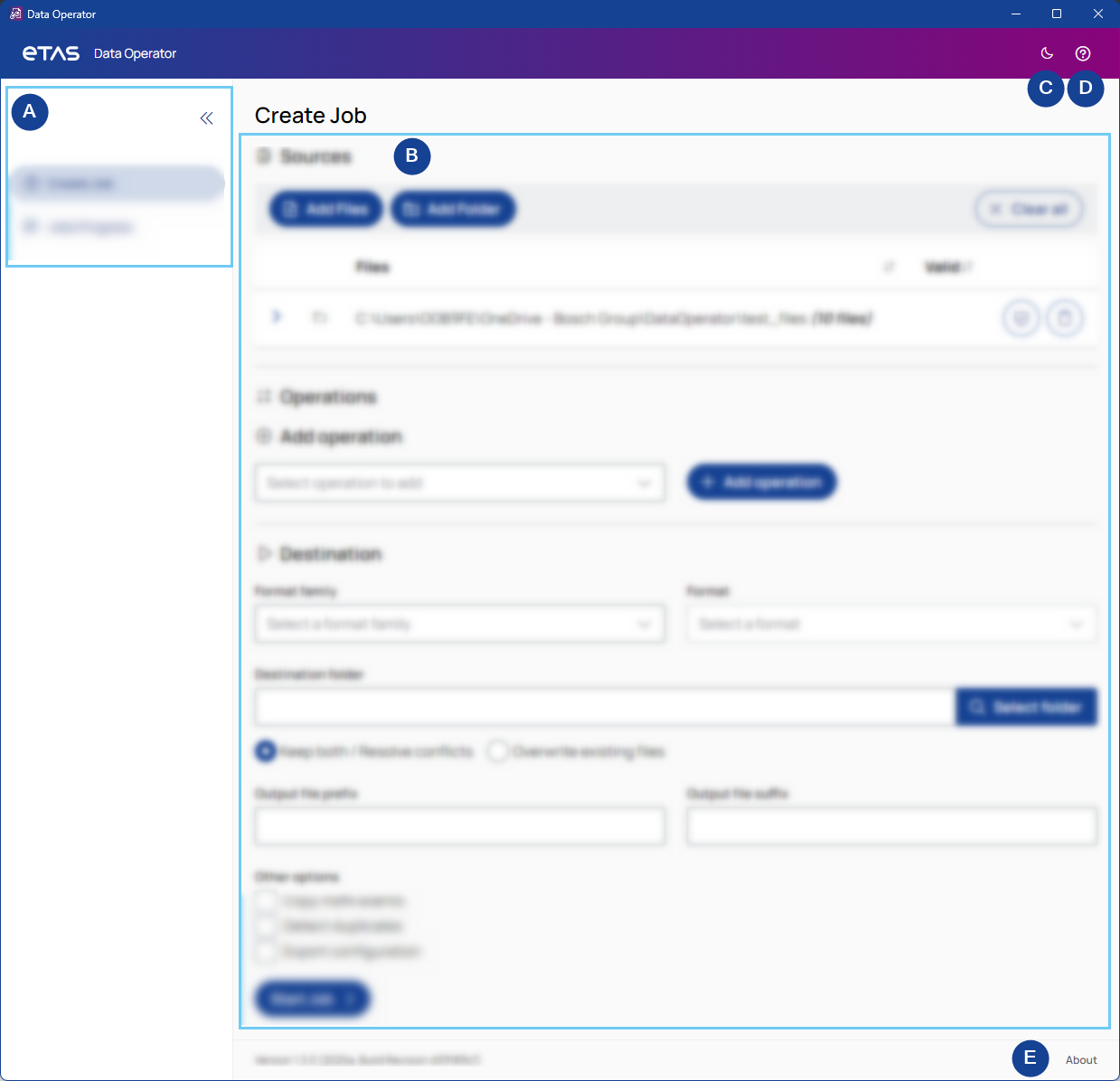
Navigation sidebar
Use the navigation sidebar to switch between job creation and job progress tabs.
To expand or collapse the sidebar, click the arrows in the top-right corner.
-
Content
Displays the main content, depending on the selected view.
-
Dark/Light mode
To toggle between light and dark mode, click the sun/moon in the top right corner.
-
Help
Opens the PDF User Guide.
-
About
Shows the meta data of the app.