Combine
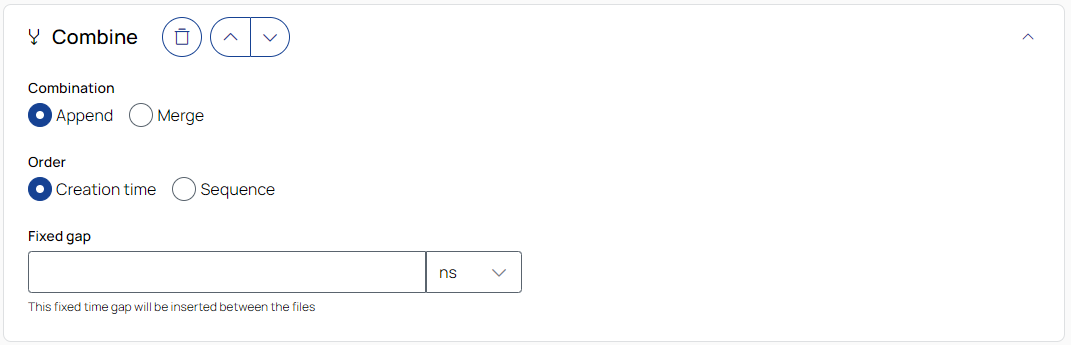
Combination
Appends all files in the job sequentially into a single output file.
Order
Creation time: Appends files based on the creation time of the measurement files.
Sequence: Appends files in the order they were added in the Source step.
Fixed gap
Inserts a fixed time gap between the appended files. To select the unit, use the drop-down list.
Merges the data from the job's files into a single file based on their timestamps on a shared timeline.
Gap
Keep: Keeps the original gaps between files unchanged.
Reduce: Reduces gaps based on the following settings.
-
Gap threshold: Gaps equal to or larger than this value will be reduced. To select the unit, use the drop-down list.
-
Fixed gap: Specifies the new gap size to apply to gaps that meet or exceed the threshold. To select the unit, use the drop-down list.

To remove the operation from the job, click the trash can button.

To move the operation up or down in the job sequence, use the arrow buttons next to the trash can icon.
 /
/
To expand or collapse the operation, click the arrow in the top-right corner of the operation panel.