Trim/Cut
|
Note |
|---|
|
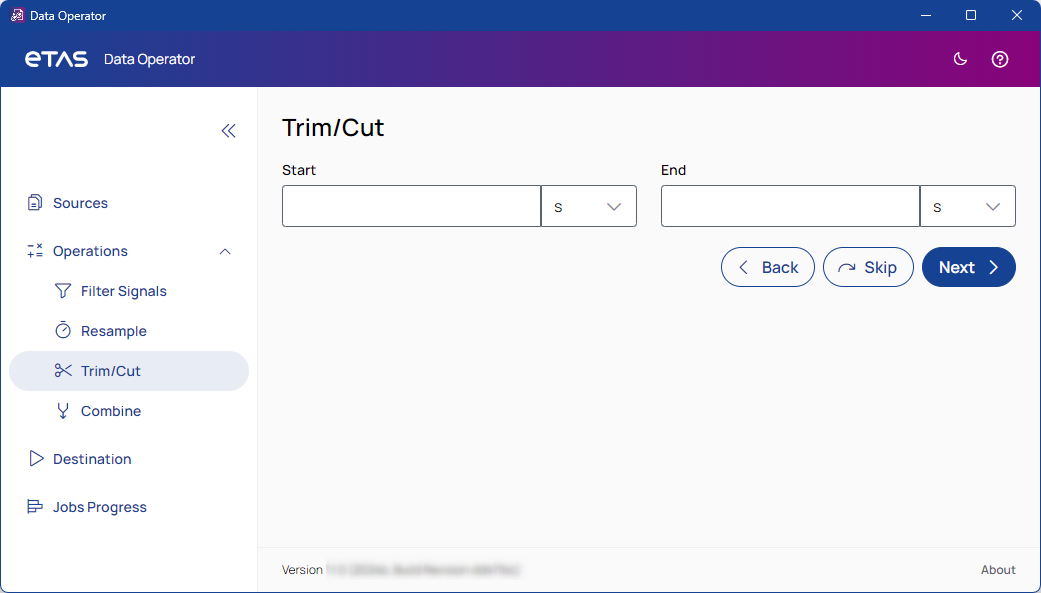
Files can be trimmed at one time step using only one input field, or at two time steps using both input fields. |
Start
Enter a positive value for the start of the trimmed file. To select the unit, use the drop-down list.
End
Enter a positive value for the end of the trimmed file. To select the unit, use the drop-down list.

Returns to the last step and saves your entries.

Proceeds to the next step and skips the current step.

Proceeds to the next step and saves your entries.