Main window
-
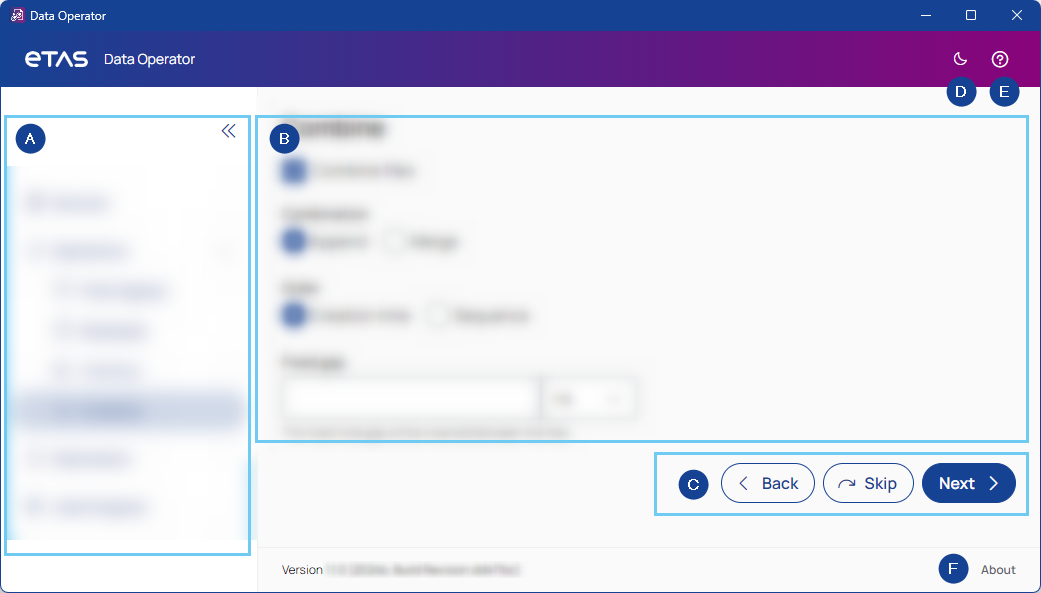
Navigation sidebar
Lists all steps of Data Operator for easy navigation.
To expand or collapse the sidebar, use the arrows in the top right corner.
-
Content
Shows the main content of each step with all the settings you can make.
-
Navigation buttons
To navigate through the steps, use the buttons.

Returns to the last step and saves your entries.

Proceeds to the next step and skips the current step.

Proceeds to the next step and saves your entries.
-
Dark/Light mode
To toggle between light and dark mode, click the sun/moon in the top right corner.
-
Help
Opens the PDF User Guide.
-
About
Shows the meta data of the app.