Updating a Library
You can update the artifacts that are copied from a library with a newer version.
To update a library
- Go to the Wizards menu and click Update library icon.
The “Update library" window appears.
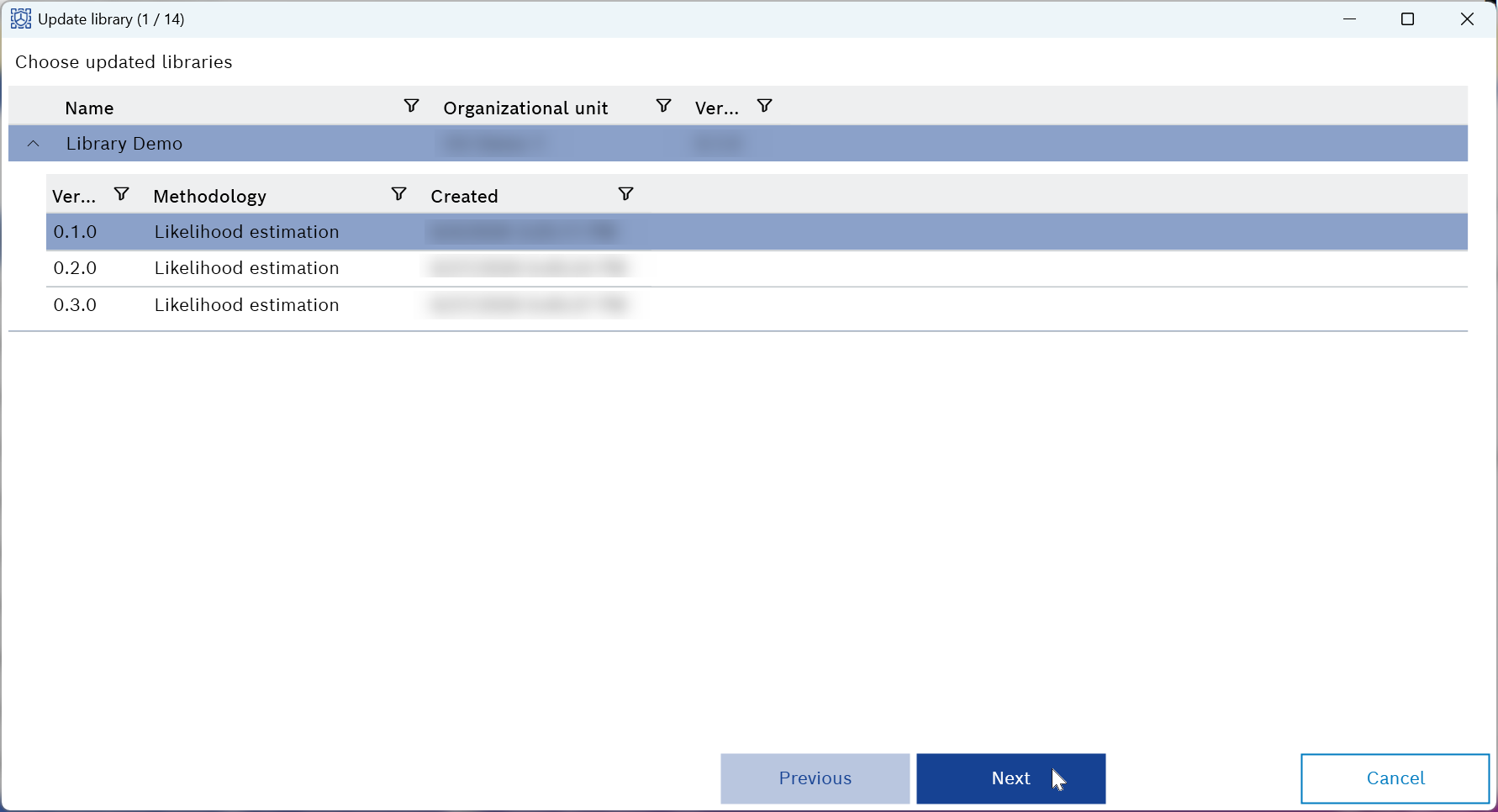
- Select the updated library version from the list.
- Click Next.
The “Update all artifacts?” pop-up appears.
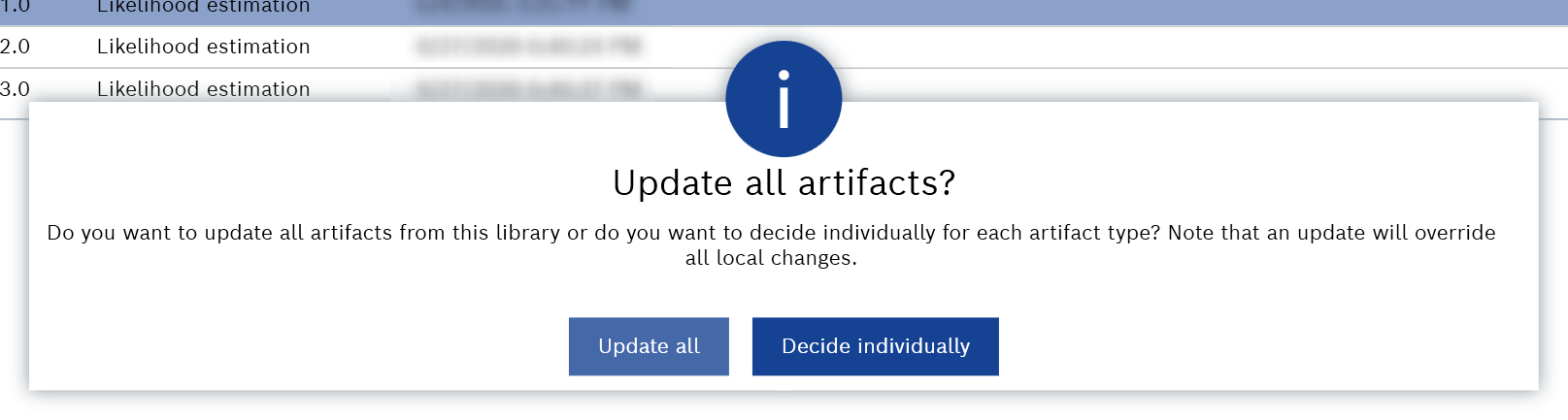
- Decide whether you want to update all or individual artifacts at once.
- Click Update all to update all artifacts from this library.
The library update is finished. - Click Decide individually to update each artifact individually.
The wizard guides you through all artifact pages, where you can review and apply changes and click Finish
- The library update is finished and the changes are applied.