Uninstalling
To uninstall CycurRISK
- Close CycurRISK.
- Go to the Control Panel on Windows Start menu.
- Click Programs.
- Click Uninstall a program in Programs and Features.
The Uninstall or change a program window opens.
- Select CycurRISK V2.31.10 and right-click.
The context menu opens.
- Click Uninstall.
The "Uninstall CycurRISK 2.31.10" dialog box is displayed.
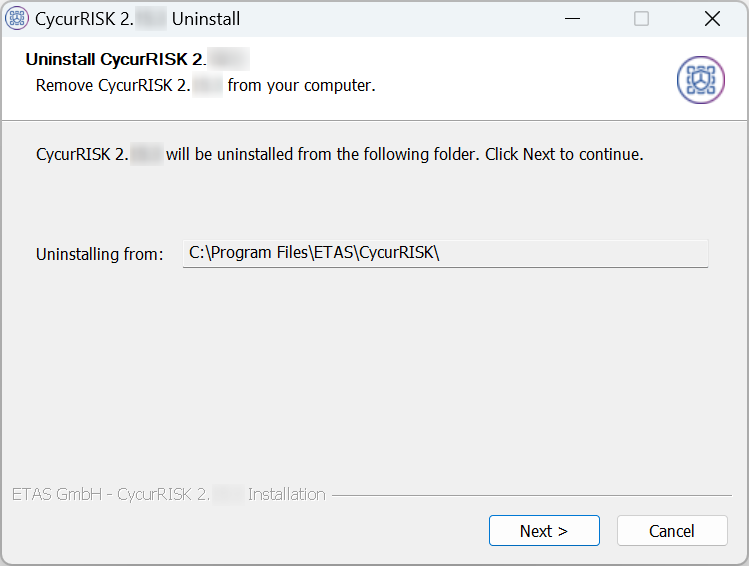
- Click Next> to proceed with the uninstallation process.
Uninstallation process is initiated.
|
Note |
|---|
|
A progress indicator shows the progress of uninstallation. |
- Click Close to complete the uninstallation process.
- CycurRISK is uninstalled from your PC.