Structuring a Tree
By default, a new node is always added to the right of the existing node. However, you can change the tree structure by dragging and dropping a node to a different node to make a child.
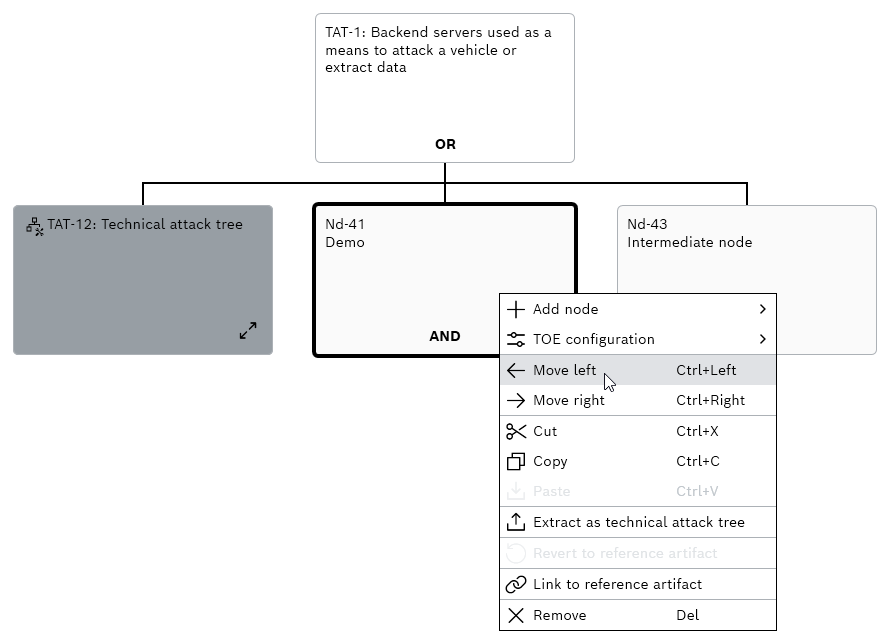
To (Re-)structure a tree
Perform one of the following steps:
- Right-click a node and click Move left or Move right from the context menu.
- Select a node and press Ctrl+left or Ctrl+right.
- The selected node is moved.