Projects
The Projects dashboard displays the Current and Archived projects and their versions. It helps to open and export projects. You can move projects to Archived or Current projects. You can compare it as a project and as a reference project. See Comparing a Project for more information on comparing the two different versions of the project.
You can select a organizational unit from the "Organizational unit" drop-down menu. You can lock or unlock a project to restrict other users for editing the project. See Adding or Removing a Project Lock for more information.
A filter can be applied to the elements listed under Current and Archived projects. You can publish the released libraries and unpublish the published libraries.
You can click Copy a link to the newest or this project version into the clipboard icon to copy the corresponding project version link to the clipboard. You can use the copied link when working with the API Client. For more information, refer to Working with the API-Client.
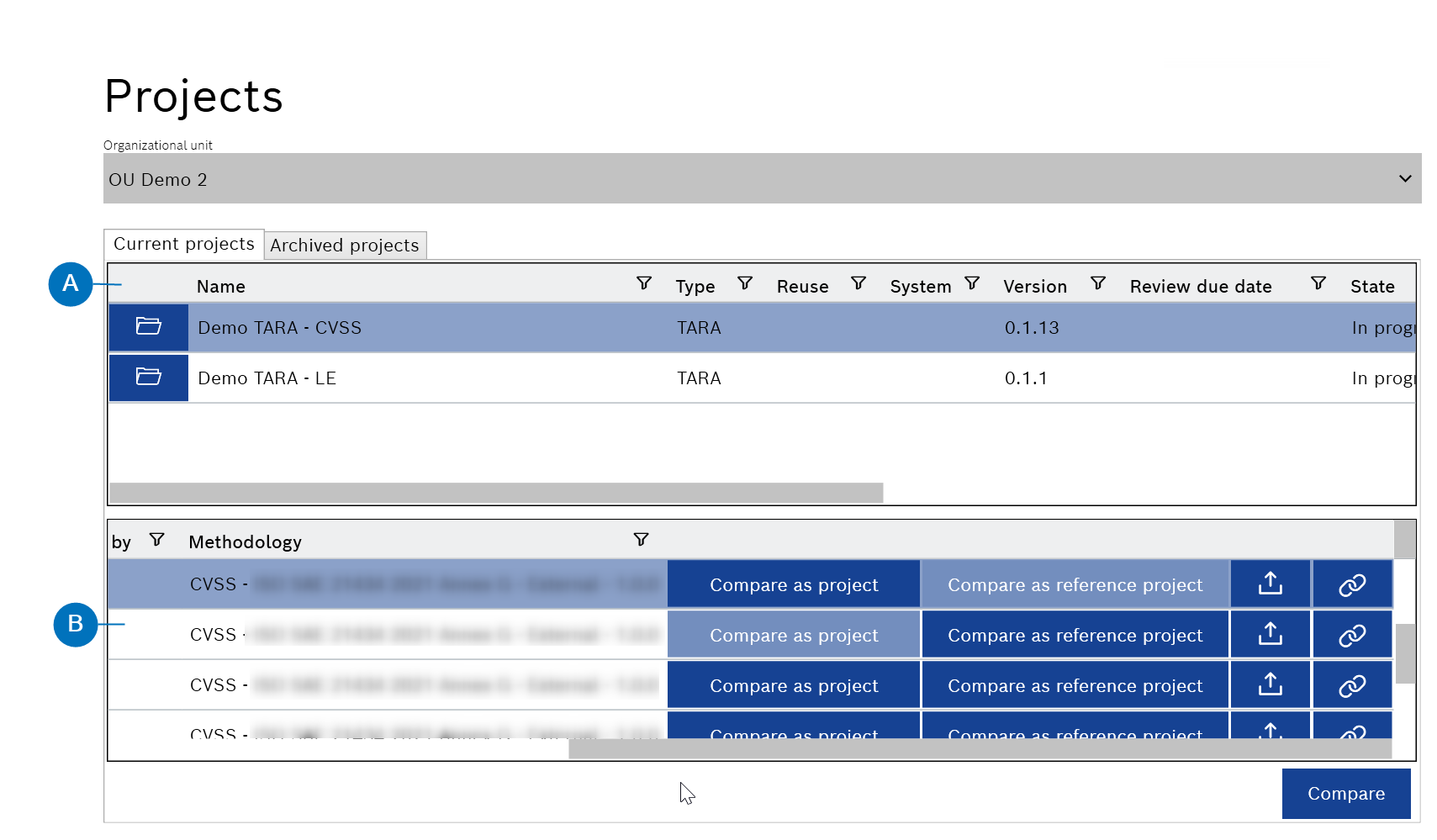
- Current projects list
- Current project versions list