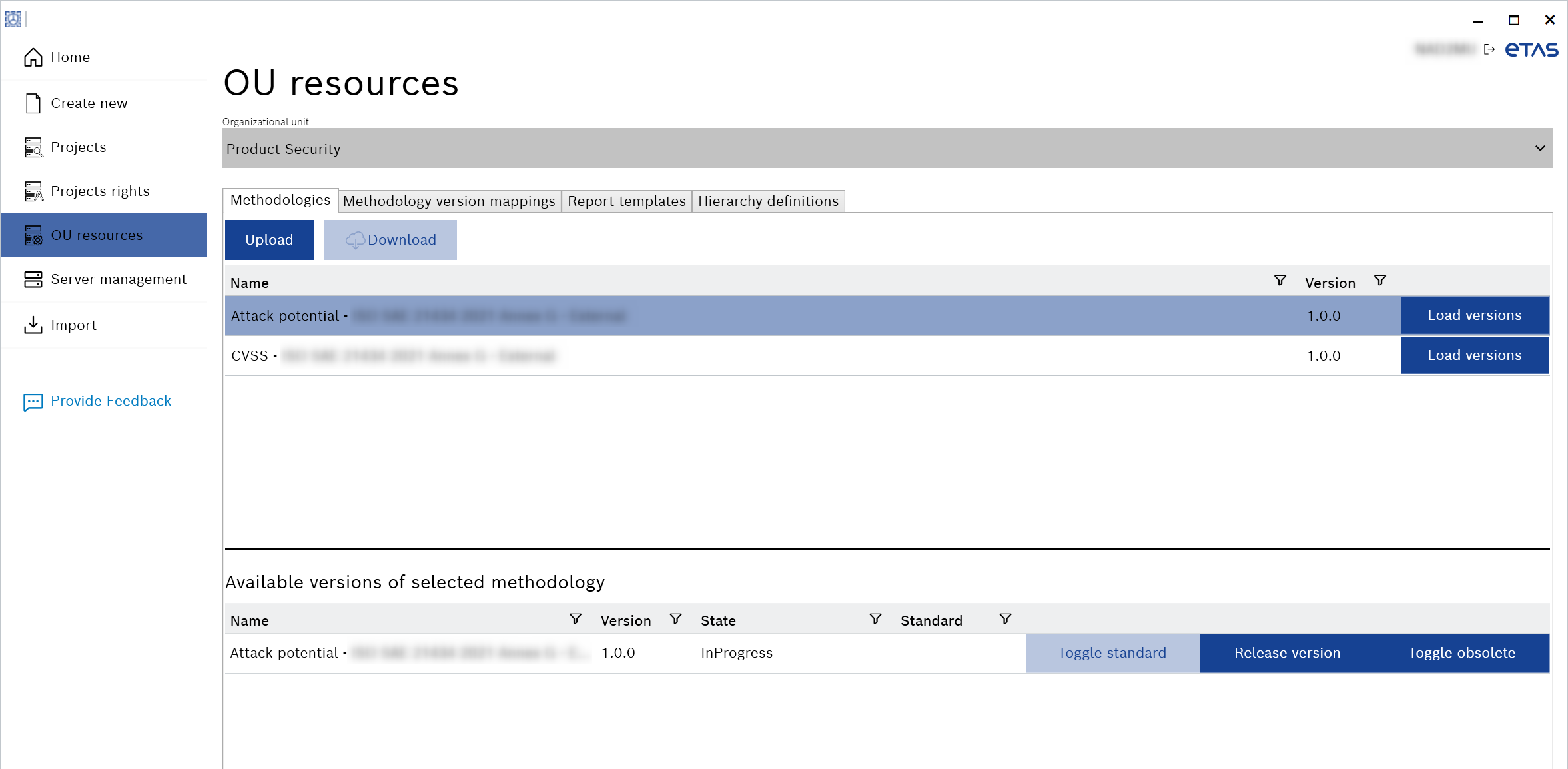
OU resources
The “OU resources” tab is visible only if you have the Product Security Officer role. With this role, you can manage the resources for the specific OU. See the Server management for more information about managing user rights.
You can select the OU and configure it with the following features:
- Methodologies
You can upload or download the default methodology configuration files. Further, you can select this uploaded methodology when you create the new TARA project or library. A default file is provided with the delivery package (in *.mdd format). See Delivery Package for more information. You will also see the available versions of the selected methodology in the “Methodologies” tab. - Methodology version mappings
You can upload, download, or remove a mapping file (in *.mmd format) to transfer projects between configurations, where different attribute values need to be mapped. - Report templates
You can upload, download, or remove the LaTeX and HTML templates (in *.zip format). These report templates are part of the delivery package. You can customize and upload these templates for PDF report generation. See Generating a PDF for more information. - Hierarchy definitions
You can upload, download, or remove the configuration files (in *.json format) for the hierarchy for system TARAs (e.g., System > Features > Component).