Managing Project Locks
On startup of CycurRISK, the system displays a pop‑up if one or more projects were not properly released in a previous session. This indicates that the projects are still locked by you or by other users, preventing access for others.
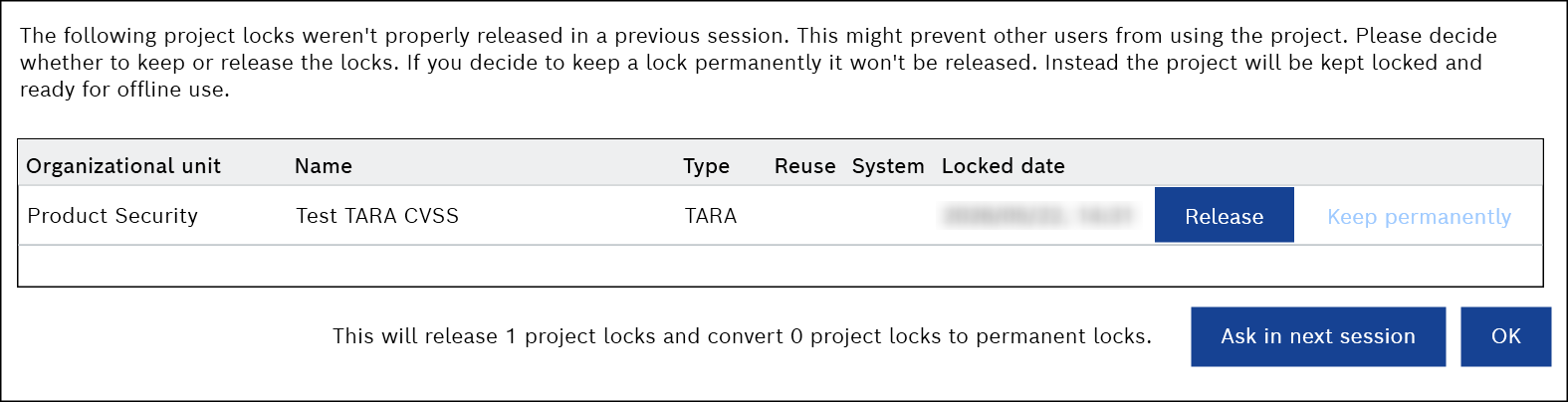
To manage project locks
- Click Release.
To release the lock and make the project available for use. - Click Keep permanently.
To keep the lock and continue working on the project offline.
In this case, the system retains lock until you release it within the project, preventing other users from accessing the project. See the Adding or Removing a Project Lock for more information.