Including Artifacts from the Referenced Project
The CycurRISK displays the "Referenced project artifacts" panel at the bottom of the artifact pages. This panel lists all artifacts from the referenced projects and includes an additional project name column.
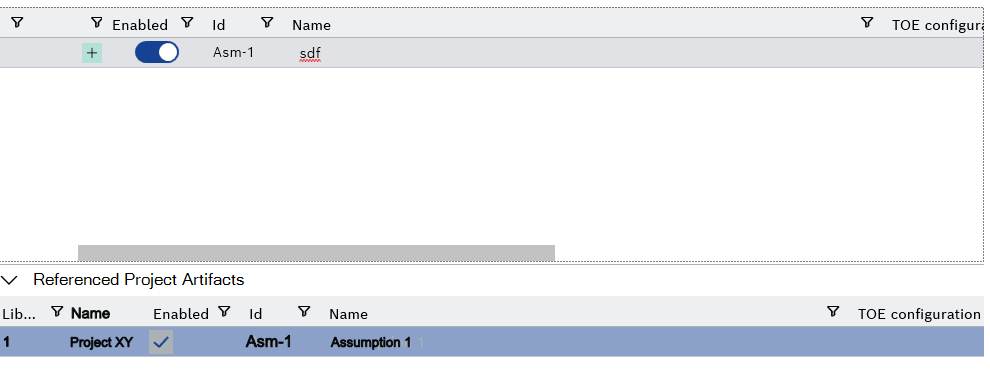
You can copy artifacts from referenced projects into the current project. When you copy artifacts, the system opens a dialog box where you can select or deselect linked artifact types. Unless specified otherwise, the behavior matches that of libraries.