Exporting a Report in CSV or Tra Format
You can export the analyzed content into CSV or Tra format. The CSV file contains all the raw data that you can use as a base for generating PDF reports.
To generate a CSV or Tra file
- Perform one of the following steps:
- Click the Export icon on the "Home" menu.
- Go to the File menu > Export.
The “Export” screen appears.
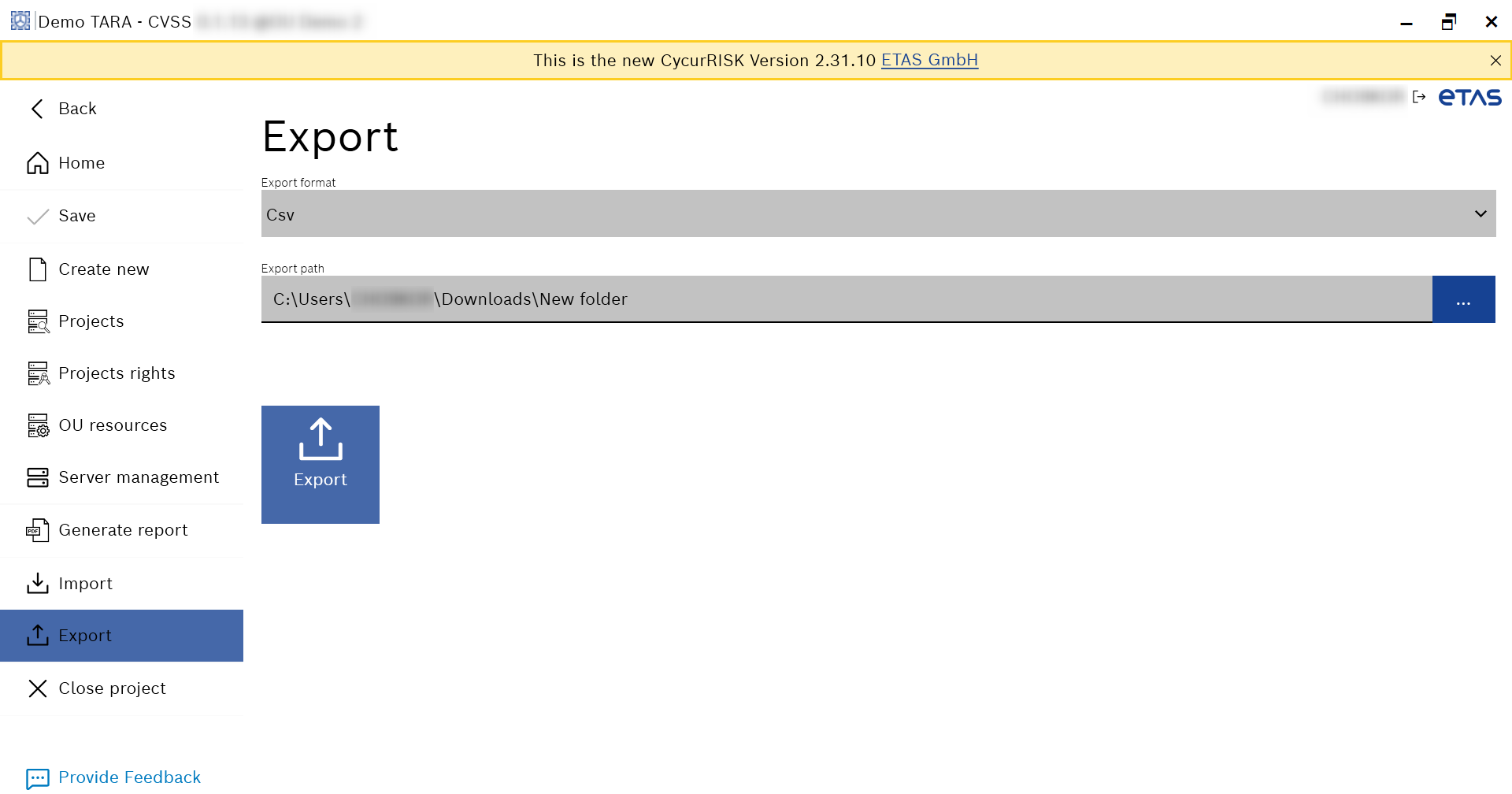
- Select Csv or Tra from the “Export format” drop-down list.
- Enter the valid export path in the "Export path" field or click ... to browse and select it.
The Export button is enabled. - Click Export.
- The report is exported in the selected format.