Variants
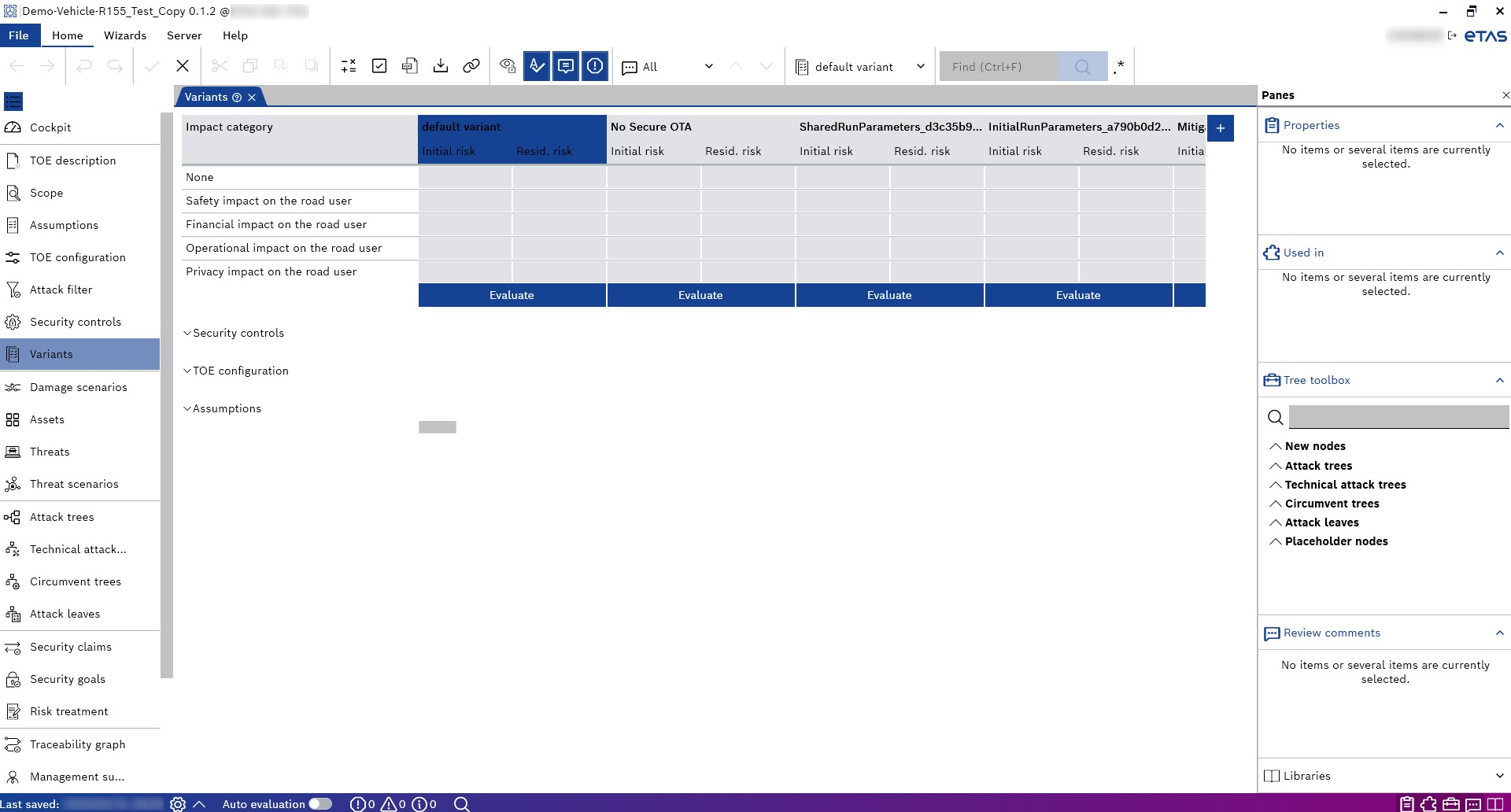
The Variants page is located below the "Security controls" in the Project Explorer. You can configure the variants on this page as follows:
- Duplicate an existing variant
- Delete a variant
- Add a new variant
- Similar to the functionality in the Management summary, the switches for the Security controls, TOE configuration, and Assumptions can be turned on and off.
If no variant has been added explicitly, the current status of Security controls, TOE configuration, and Assumptions is considered the default variant.
You can select only one configured variant from the "Select the active variant" drop-down field in the Home menu. The active variant is highlighted in blue. The active variant affects all of the project explorer's other pages. The Management summary shows only the active variant, and it is not possible to add other variants.