Edit Axes
Scatter plot window > View > Plot Settings
The Edit Axes window contains the following elements:
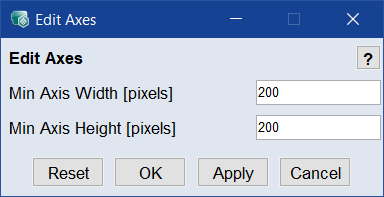
"Min Axis Width" and "Min Axis Height"
Minimal width and height of a scatter plot.
If you change a value and click OK or Apply, each scatter plot smaller than the new values is adapted automatically so that it reaches the minimal size you set. If necessary, scrollbars appear for navigation.
 Reset
Reset
Restores the original values.
OK
Applies your settings and closes the window.
Apply
Applies your settings, but does not close the window.
Cancel
Discards your settings and closes the window.
See also