Step 6: Block Configuration
In this step, the experiment plan can be divided into several parts (blocks) that can be measured separately. Each block by itself corresponds to the requirements of the design of experiments.
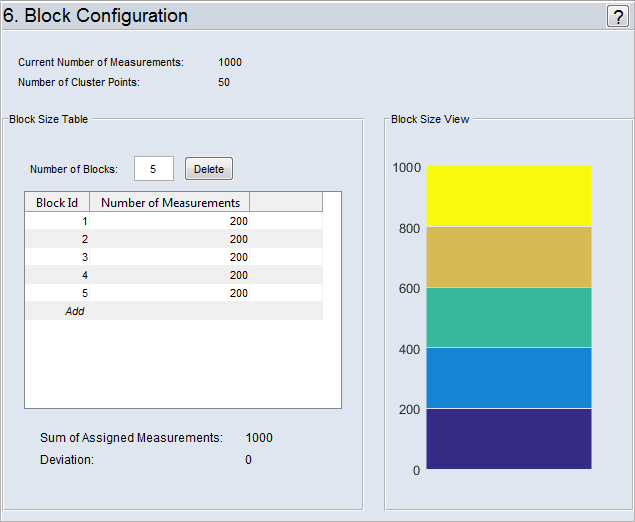
The total number of measurements ("Current Number of Measurements") and the "Number of Cluster Points" is shown at the top. The latter number is of particular importance since it is used to define minimum size of a measurement block.
"Block Size Table" Area
The size of the individual blocks is defined here.
The sum of the defined measurement blocks is displayed under "Sum of Assigned Measurements". If this number is less than or greater than the "Current Number of Measurements", it is highlighted in red under "Deviation".
"Number of Blocks" field
The number of measurement blocks to which the total number of measurements is to be distributed is defined here.
Delete block from list
To delete a block, select the "Block ID" in the "Block Size Table" and click on Delete.
If, after measuring a created experiment plan, you discover that there are not sufficient points to achieve the desired model precision, you can extend the existing experiment plan (which has already been measured) so that this block measures new points which occupy the space in a finer and yet at the same time space-filling way.
"Block Size View" Area
The size of the blocks (defined in the "Block Size Table" area) is graphically displayed here.