Start Model Training
After these preparations, the model training can be performed.
Performing the model training
-
Select Model > Start ASC GP Model Training.
The modeling is started; it may take some time. Information about the progress can be seen in the log window.
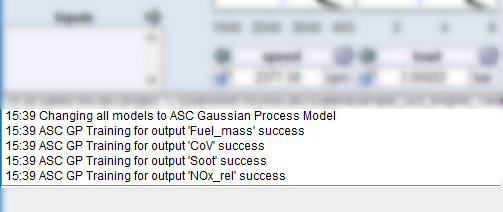
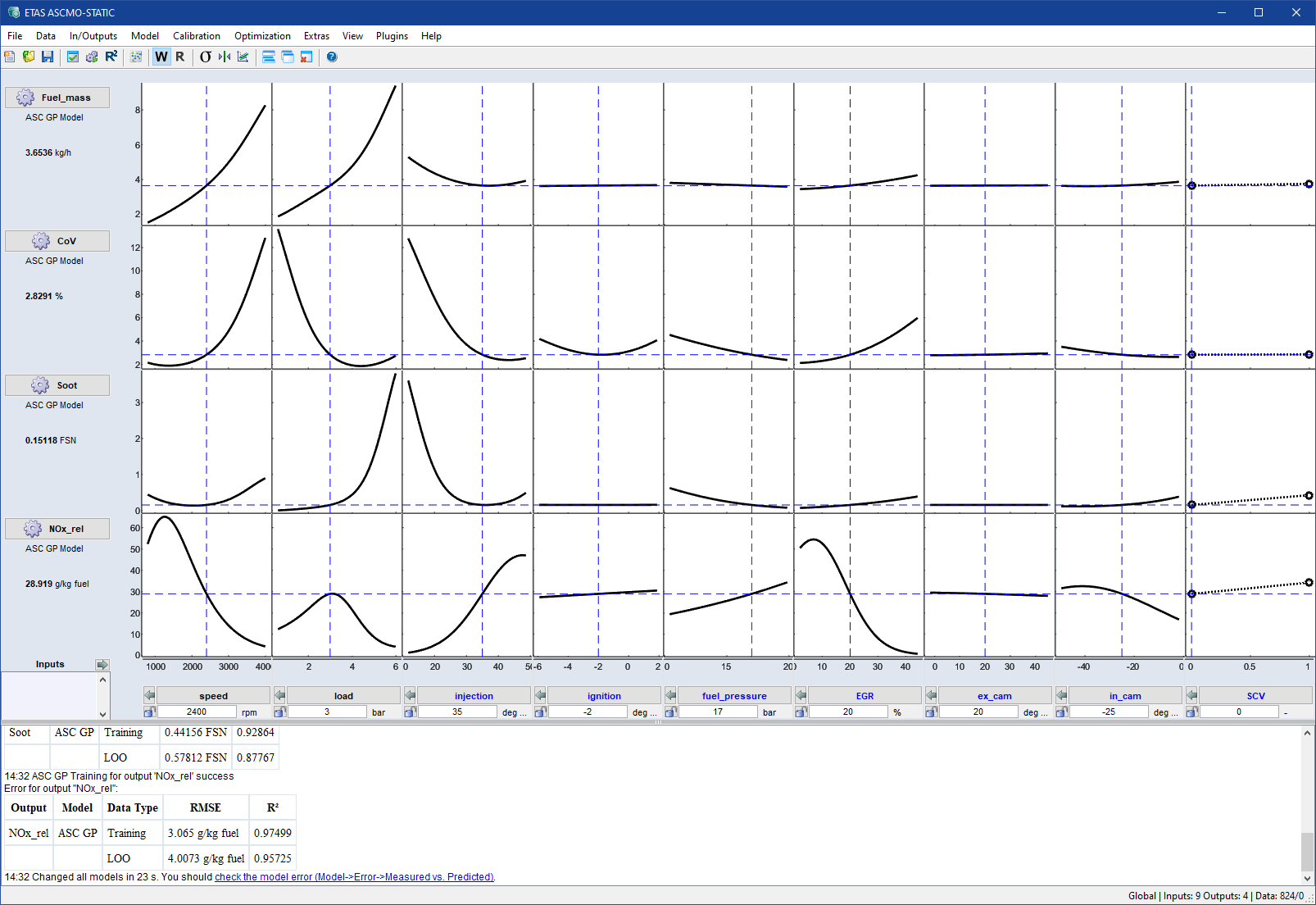
After performing the model training, the intersection plots are updated.
The log window displays the RMSE and R2 for each output. This gives an indication of the quality of the model.
Note
The scaling of the display can be arranged more clearly by deactivating the display of the two variables speed and load since they exercise by far the greatest influence, e.g. on consumption and emission variables.
-
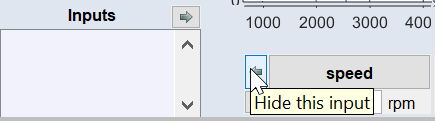
To do so, click the arrows next to the inputs speed and load.
-
It is recommended that you save the project again.