Defining Operating Point Weights Using Driving Cycle Traces
You can use one or more driving cycles to assign weights to the operating points.
Defining operating point weights using driving cycles
-
In the Driving Cycle Manager window, select Data > Assign OP Weights using a Driving Cycle.
The Assign Driving Cycle window opens.
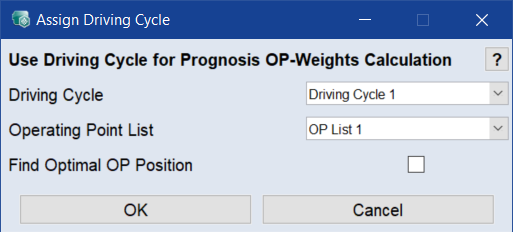
- In the Driving Cycle drop-down list, select the driving cycle you want to use for weighting.
-
In the Operating Point List drop-down list, select the operating point list you want to be weighted.
Note
For the purpose of this tutorial, you can accept the predefined settings.
-
Click OK.
The Prognosis OP-Weights window and the Calculated Operating Point Weights from Driving Cycle 1 window open.
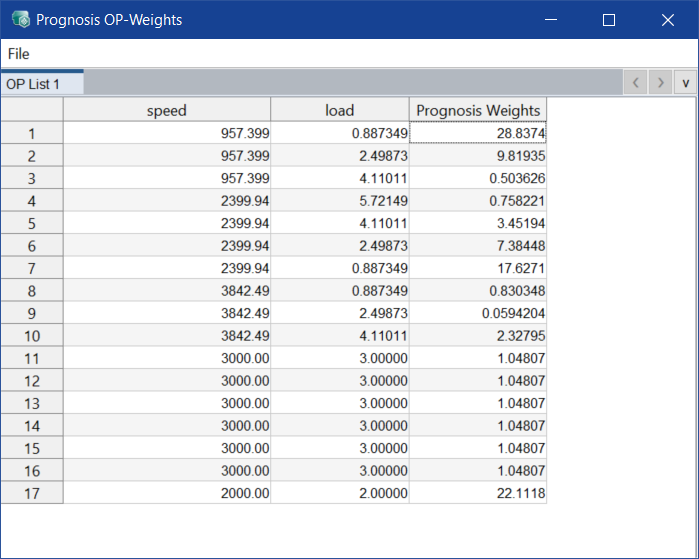
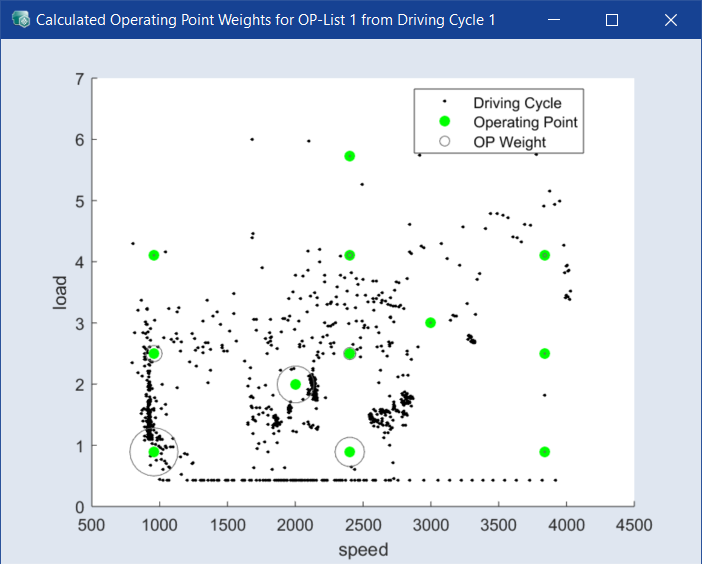
If desired, you can change the weights of the operating points defined by the driving cycle manually in the Prognosis OP-Weights window.
-
Enter the desired weighting value in the Prognosis Weights column.
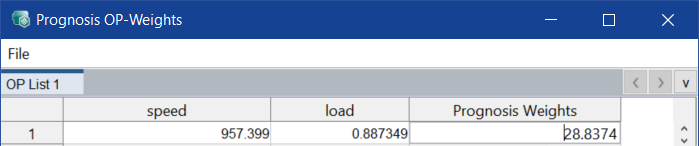
- Press <Enter> to confirm the new weighting value.